Powered by Comercia.io
To make a tattoo stencil from Procreate, set the canvas for the intended print size, export as PNG, PDF or another accepted file, then print using the device and stencil paper instructions. Procreate provides drawing and export tools, not a dedicated stencil printer feature. Artists should check dimensions, DPI, mirroring, file compatibility and paper before moving the design from an iPad to the studio.
Explore Spirit Classic Thermal Paper Explore Proton Stencil Primer
QUICK ANSWER
How do you make a tattoo stencil from Procreate on an iPad?
Match the canvas to the intended print, export the drawing through Actions → Share, open the file in a compatible printing workflow, and use the appropriate stencil paper. Check orientation before printing; mirroring is equipment-specific. For skin transfer, follow the paper and transfer-agent instructions rather than treating a Procreate export as a finished stencil.
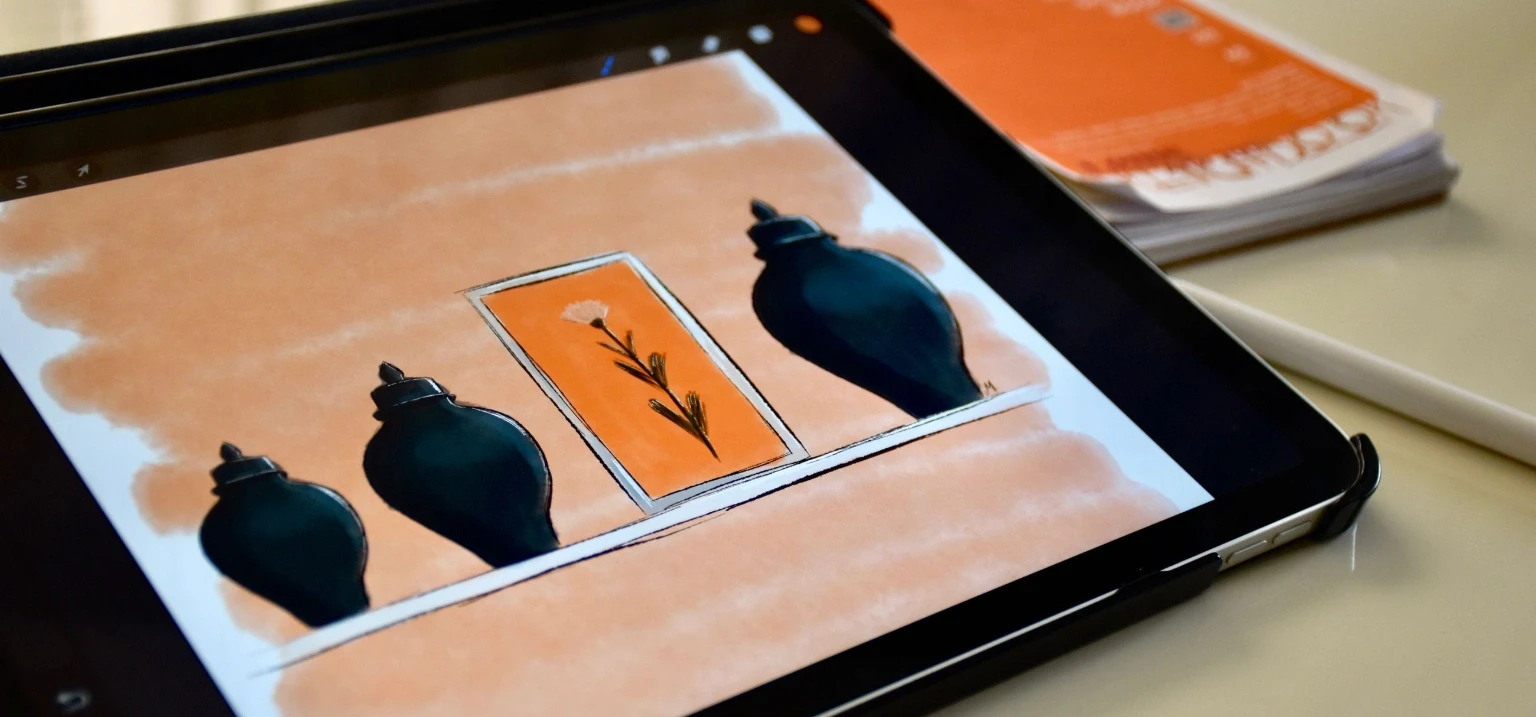
PROCREATE CANVAS
Set physical dimensions and print DPI; inspect Canvas information if the design already exists.
EXPORT AND PRINT
Choose PNG, PDF or another supported format; send through Files, the iPadOS share sheet or the printer's app.
PAPER AND TRANSFER
Check thermal or freehand paper construction, correct orientation and manufacturer transfer-agent guidance.
BUILD THE DRAWING AROUND THE PRINT
What canvas size should tattoo artists use in Procreate for stencil printing?
Match the Procreate canvas to the intended physical print. The Procreate Handbook lets artists define width, height and DPI in millimeters, centimeters, inches or pixels. Start from the planned paper format and the printer app instead of an arbitrary stencil preset.
Procreate says larger canvases leave fewer available layers. Consider that when keeping references, sketches and printable art together.
How to check an existing design
In Procreate, open Actions → Canvas → Canvas information and review Dimensions for physical size, pixel dimensions and DPI. Check those against the print destination before exporting.
An iPad screen-sized drawing is not automatically the correct size for the printer paper. Check the actual output dimensions.
PRINT RESOLUTION WITHOUT MAGIC NUMBERS
What DPI should you use for a tattoo stencil in Procreate?
Choose DPI for the physical output and printer requirements. Procreate says DPI determines detail in printed work, but gives no thermal-stencil-specific number.
Procreate recommends establishing physical size and DPI before drawing. Changing DPI later can change effective printed dimensions.
Check Actions → Canvas → Canvas information → Dimensions. Confirm what the printer app accepts rather than copying an arbitrary template setting.
LINE ART AS A PRINT FILE
How should an artist check Procreate line art before creating a stencil?
Inspect the exported drawing at the intended print size. A zoomed iPad preview does not establish how a particular printer and stencil paper will reproduce it. Phomemo advises checking print settings and contrast for faint or smudged results in its own printer workflow.
Keep the editable original and compare a separate printable export. Check which artwork is visible before sending the file.
For drawn lines and needle selection, see Tattoo Line Weight Guide; for stencil purpose, see How to Tattoo Clean Lines.
IMAGE ORIENTATION AND MIRRORING
Do you need to flip a Procreate tattoo stencil horizontally before printing?
Follow the actual printer and paper directions before mirroring. Procreate offers Actions → Canvas → Flip canvas horizontally. Phomemo recommends a mirrored design for its printer workflow, not for every copier.
Check which side of the sheet prints and whether the printer app already reverses the design. Spirit documents paper handling but gives no universal Procreate-mirror rule.
Don't mirror the design by habit
Check whether the printer software already handles reversal and how the paper transfers. A double reversal can leave the final result facing the wrong direction.
PNG, PDF, TIFF OR JPEG?
Which Procreate export format is best for a tattoo stencil print file?
Use the format accepted by the destination printing app. Procreate documents PNG, PDF, TIFF and JPEG, each with different image-quality and print characteristics.
| Procreate export | What Procreate's Handbook says | Professional printing consideration |
|---|---|---|
| PNG | Lossless; flattens the artwork while maintaining image quality; supports transparency | Useful when the recipient app accepts PNG and a flat, clean image is needed |
| Practical for sending artwork to printers and publishers; Procreate offers export-quality choices | Compare PDF handling and paper scaling in the print workflow | |
| TIFF | Preserves image quality, flattens artwork and is common in professional print workflows | Consider when the printer software accepts TIFF files |
| JPEG | Lossy; flattens artwork and trades some image quality for a smaller file | Use only when appropriate for the destination; inspect the resulting line image |
Retain the editable original. Procreate also exports native .procreate and PSD files, but those are not universal printer inputs.
Use Actions → Share to export. All Procreate formats can be saved to Files; PDF and native .procreate files are not saved to Photos through the ordinary image route.
FROM THE IPAD TO THE PRINTER
Can you print a Procreate drawing directly from an iPad to a thermal stencil printer?
Procreate exports files; actual thermal-printer compatibility depends on the device. The Procreate Help Center describes the iPadOS Print dialog and recommends using a printer maker's iPadOS app when offered. Neither establishes universal AirPrint or direct Procreate support for thermal tattoo printers.
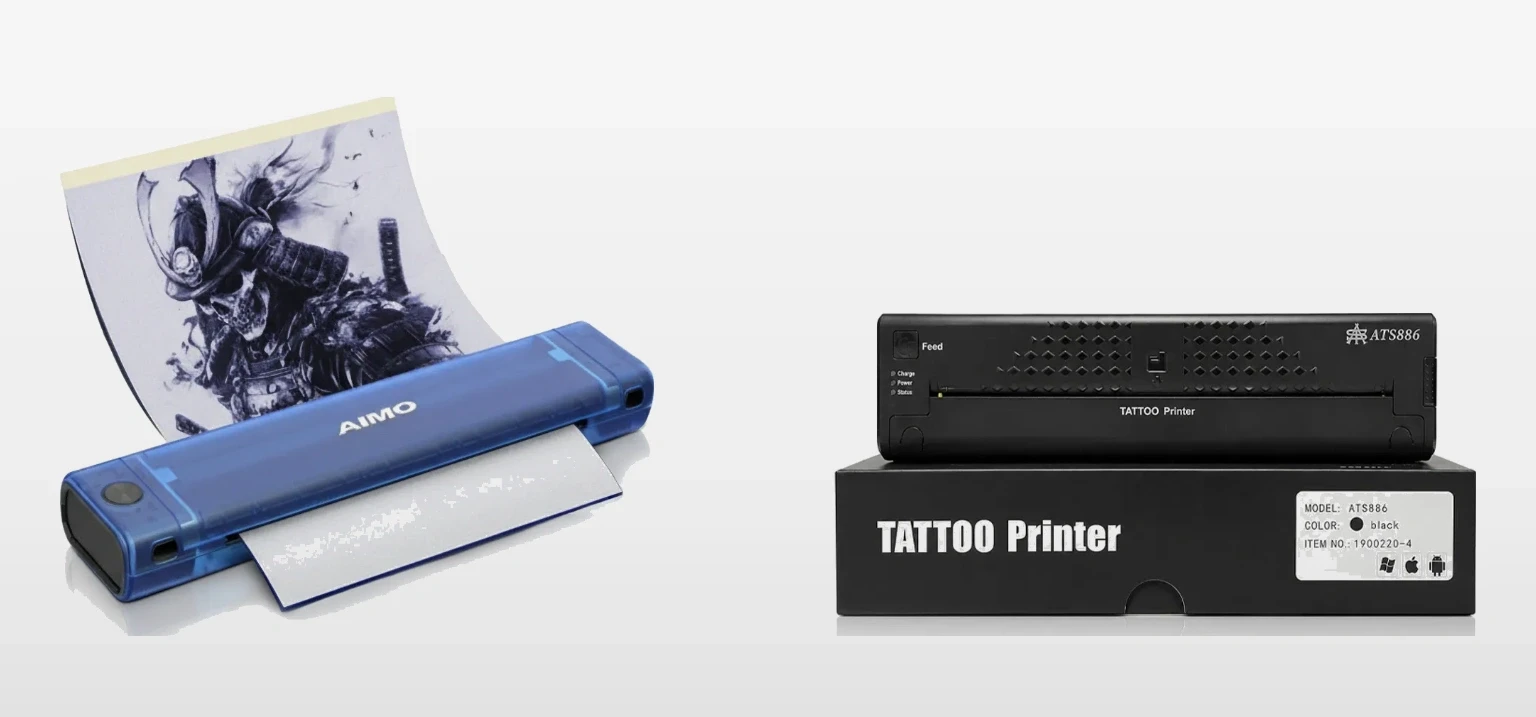
Use Files or the share sheet to deliver a compatible file. Confirm the printer's connection, accepted formats, scaling and mirror instructions.
Confirm the output device
Identify the exact printer or thermal copier and its paper specifications.
Review the Procreate canvas
Check intended print dimensions and DPI in the original artwork.
Export an accepted format
Choose a file type the printer app or destination workflow can open.
Check print settings and orientation
Follow the printer and paper instructions for scale, any required mirror setting and loading direction.
Review a test output
Check size, clarity and image direction before committing stencil paper or transferring the design.
A traditional thermal copier may use a printed Procreate export as its original, if its instructions allow that workflow. Spirit lists compatible duplicators, not Procreate integrations.
SPIRIT THERMAL PAPER AND ITS LAYERS
How is Spirit Classic Thermal Paper constructed for tattoo stencils?
Spirit says thermal paper has three sheets plus protective onionskin; freehand impact paper has two sheets plus onionskin. It instructs artists to remove the protective onionskin as directed before use.
These counts describe Spirit products. Follow the actual maker's orientation and loading instructions; Spirit lists the Brother S8 among compatible duplicators without specifying a Procreate or AIMO connection.
Thermal-paper buying checks
- Does the listing describe thermal stencil paper rather than impact or freehand transfer paper?
- Does the printer or copier documentation name the supported sheet format and paper construction?
- Which side and orientation does the actual paper manufacturer specify?
- Are the protective sheets handled according to that manufacturer's instructions?
- Is the intended transfer agent suitable under the maker's directions?
FREEHAND AND WRITE-ON PAPER
Can an artist use freehand transfer paper with a Procreate design?
A Procreate drawing can also be a printed reference for hand tracing. Spirit calls its freehand product an impact or write-on sheet, a different category from thermal printer paper.
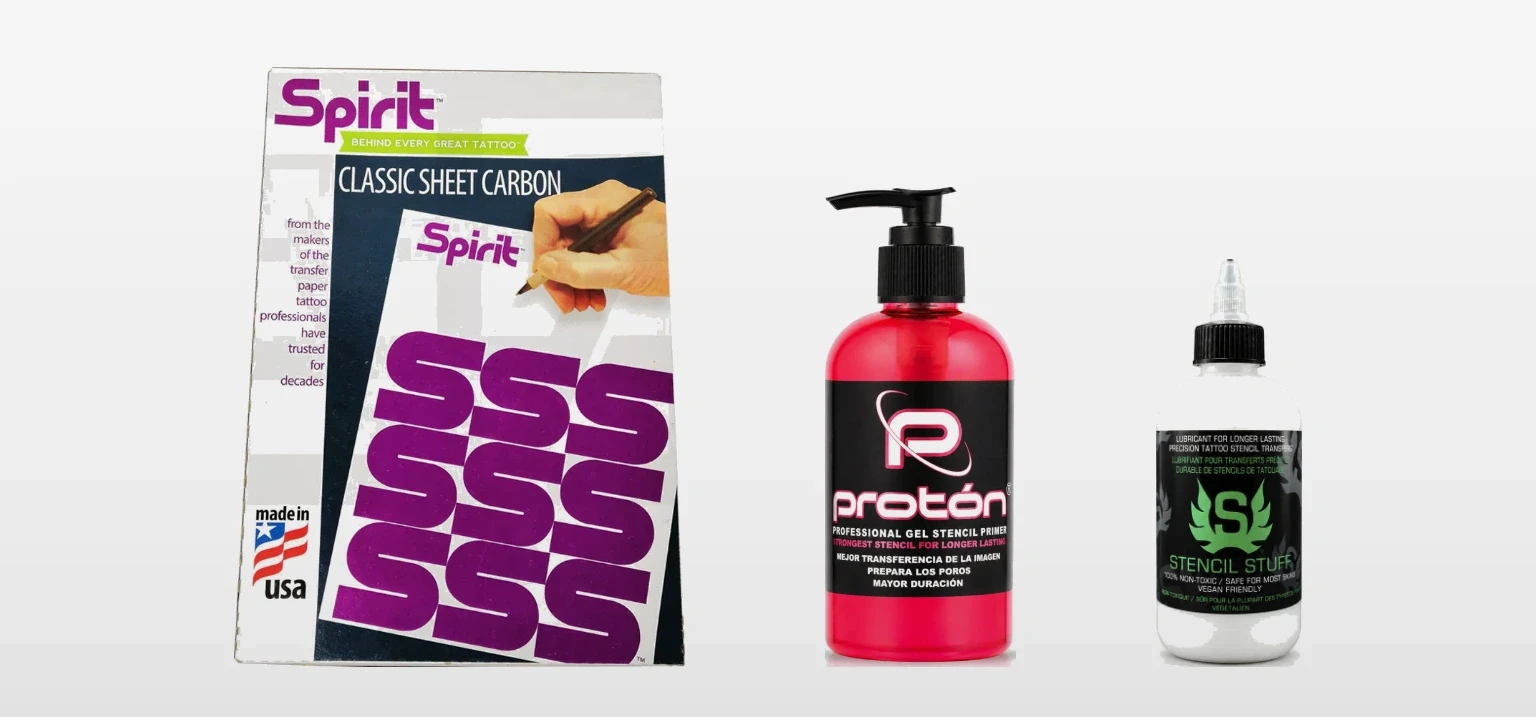
We carry Spirit Classic Freehand Transfer Paper as well as thermal options. Select the method first; check the protective-sheet instructions.
For physical stencil-making methods, see How to Make a Tattoo Stencil.
TRANSFER AGENTS AND CONTACT WITH SKIN
Does a Procreate stencil require transfer cream or gel once printed?
Exporting is separate from transferring the stencil onto skin. Spirit specifies a transfer agent and recommends its corresponding Spirit paper-and-cream pairing. That recommendation belongs to its own product system.
Spirit warns that moving a stencil after skin contact can blur the transfer. A misplaced stencil is a correction issue, not something to slide into place.
We carry Tattoo Stuff Stencil Stuff, Proton Stencil Primer Gel Pink and Recovery Stencil Lock. Check their individual instructions; see Tattoo Stencils That Last for transfer performance.
Matching paper and cream is manufacturer-specific
Spirit's recommendation concerns the corresponding Spirit products. Do not assume that every transfer agent shares exactly the same instructions or compatibility.
CHECK THE SOURCE OF A BAD PRINT
Why does a Procreate tattoo stencil print too faint, too heavy, reversed or blurry?
Check the canvas, exported file, printer settings, paper loading and transfer separately. Phomemo recommends reviewing paper placement and printer settings for faint or smudged output in its printer workflow.
Printed too large or too small
Compare intended physical canvas dimensions with actual printer scaling and sheet size.
Printed in the wrong direction
Check whether the printer workflow expects a mirrored source or applies reversal itself.
Fine detail appears faint
Review the exported file, current paper and printer's own contrast controls.
Output looks heavy or smudged
Inspect the paper-loading method and device settings before blaming the Procreate brush.
Transfer blurs on skin
Spirit warns that moving a contacted stencil causes blurring; follow the transfer-agent instructions.
Paper does not reproduce the design
Confirm whether the sheet is thermal or freehand paper and whether the equipment supports it.
Use a proof before final stencil paper. See First Professional Tattoo Setup for equipment planning.
COMMON IPAD AND STENCIL ERRORS
What Procreate stencil mistakes should tattoo artists avoid?
Canvas, export, printer and stencil paper are distinct stages. Verify compatibility at each.
Assuming Procreate has a dedicated stencil button
Use its generic canvas and export functions; printer processing happens separately.
Choosing an arbitrary stencil DPI
Plan physical size and print detail around the destination's requirements.
Ignoring the canvas's final physical dimensions
Screen zoom does not determine actual paper scale.
Mirroring every drawing automatically
Follow the actual printer and paper instructions to avoid double reversal.
Assuming every printer accepts every export format
Confirm the printer app accepts the chosen PNG, PDF or other file.
Using freehand paper as thermal printer paper
Spirit distinguishes the two products by construction and intended process.
Assuming all transfer agents behave the same
Spirit recommends a matching cream for its paper; check each product's directions.
Sliding an already-contacted stencil
Spirit warns that movement can blur the transfer; reassess rather than dragging it.
STENCIL PAPER, AGENTS AND PRINTERS
Which Procreate-to-stencil papers, transfer products and printer do we carry?
We carry Spirit, Dynamic, Madelon and Saferly papers; Tattoo Stuff, Proton and Recovery transfer products; Dynamic Stencil Remover; and the AIMO T08F printer. Select products according to the manufacturer's process and verify device-paper compatibility. Procreate exports the artwork; it does not establish printer support.
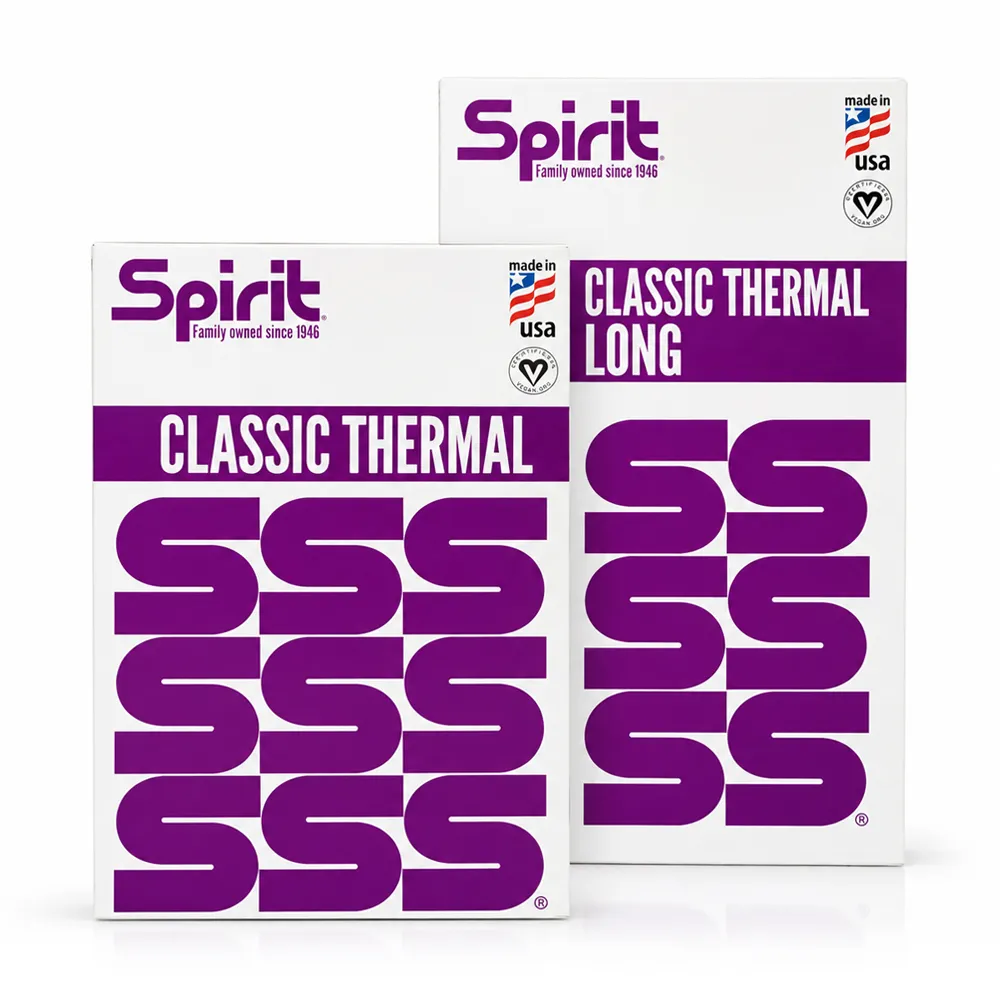 SPIRIT / THERMAL STENCIL PAPER
Spirit - Classic Thermal Paper
Spirit thermal paper; the maker describes three sheets plus onionskin. Check copier instructions.
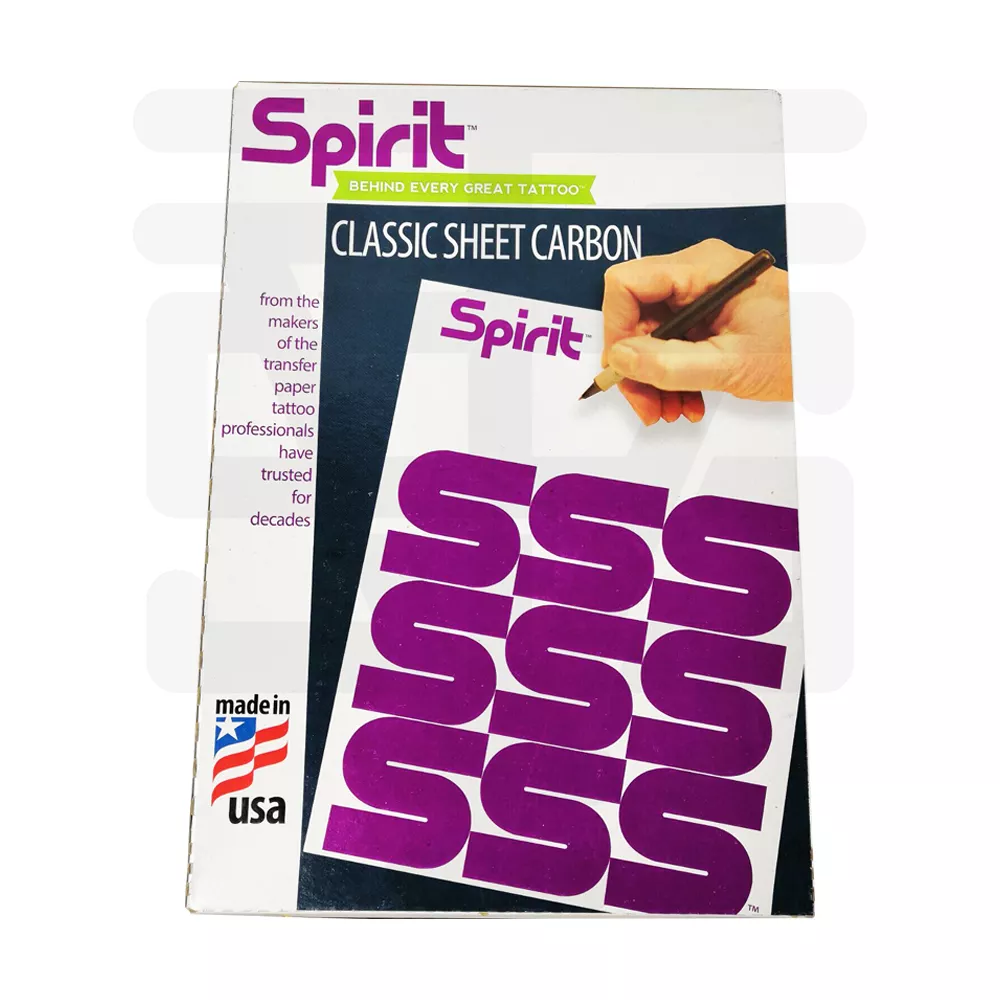 SPIRIT / FREEHAND TRANSFER PAPER
Spirit - Classic Freehand Transfer Paper 10 Units
Write-on paper for a printed reference traced by hand; not thermal printer paper.
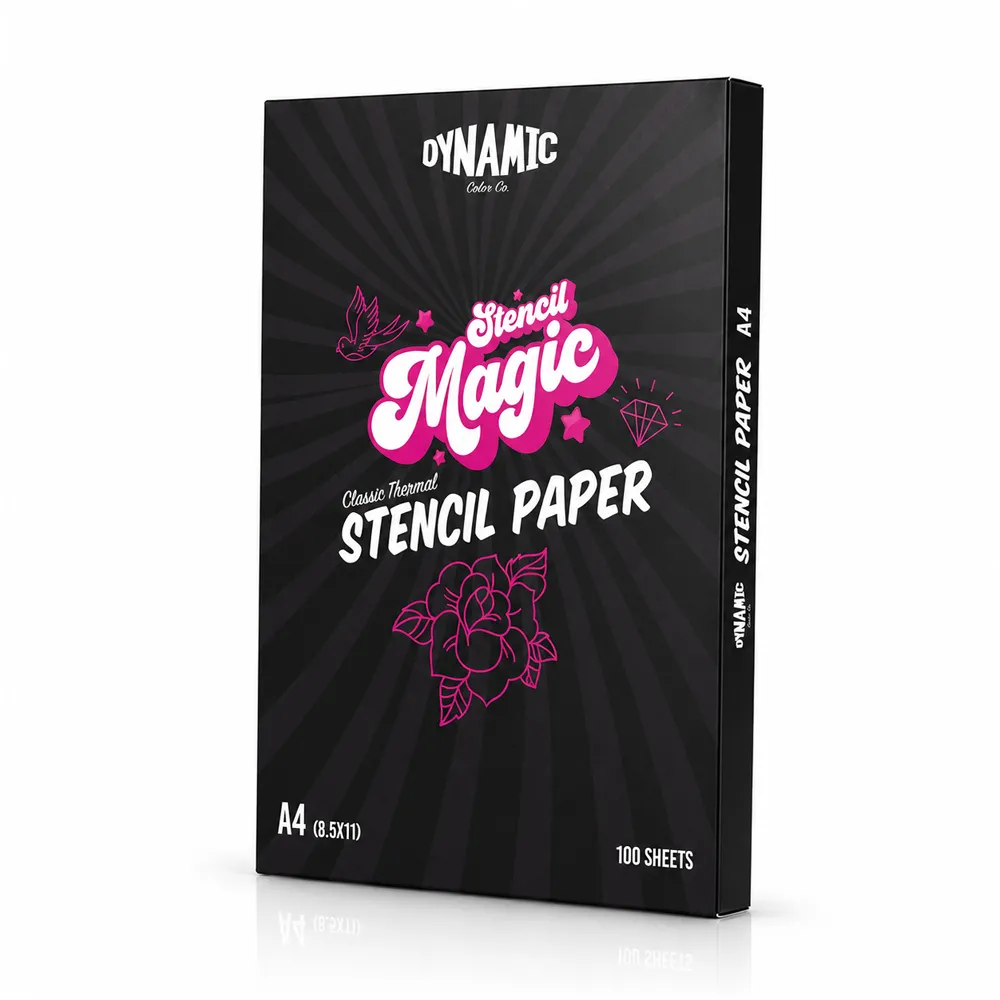 DYNAMIC / STENCIL PAPER
Dynamic - Stencil Magic Paper
A4 stencil paper listed for thermal or freehand use; check the selected workflow.
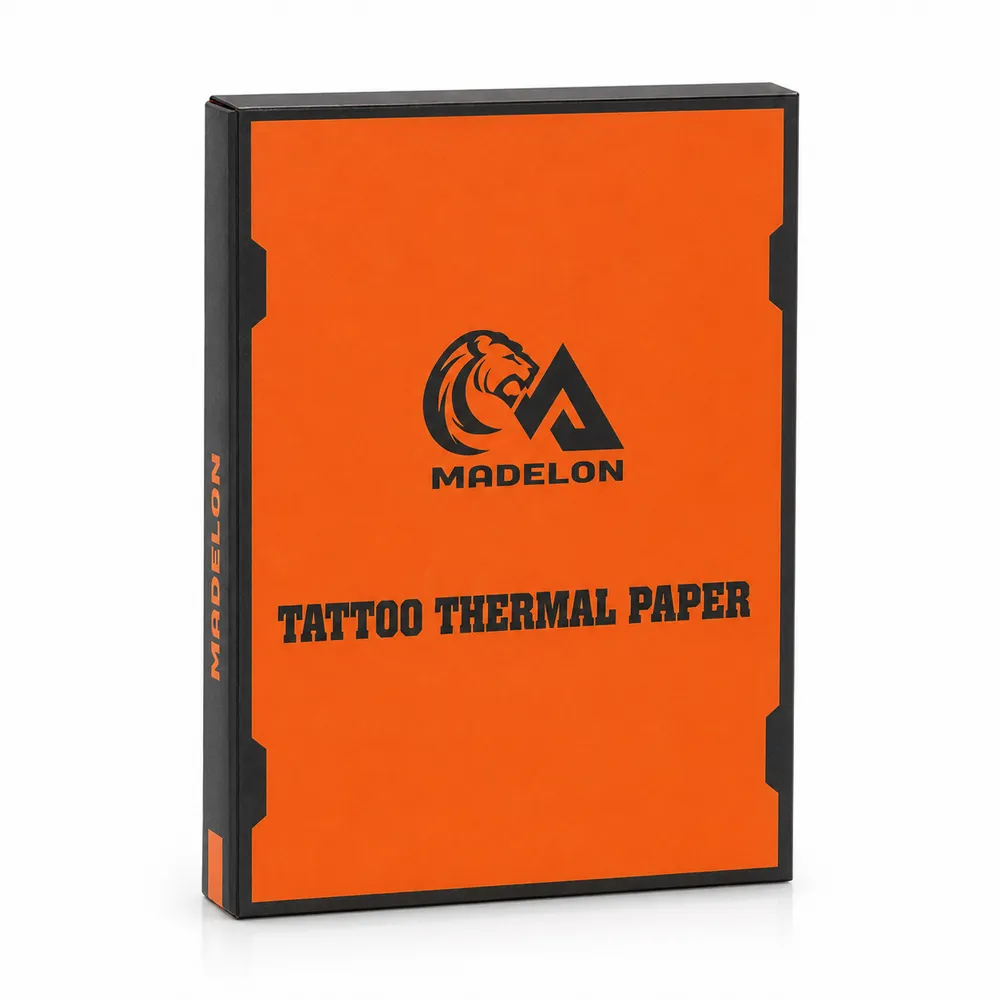 MADELON / THERMAL PAPER
Madelon - Tattoo Thermal Paper
A4 thermal paper for compatible equipment; follow paper-loading directions.
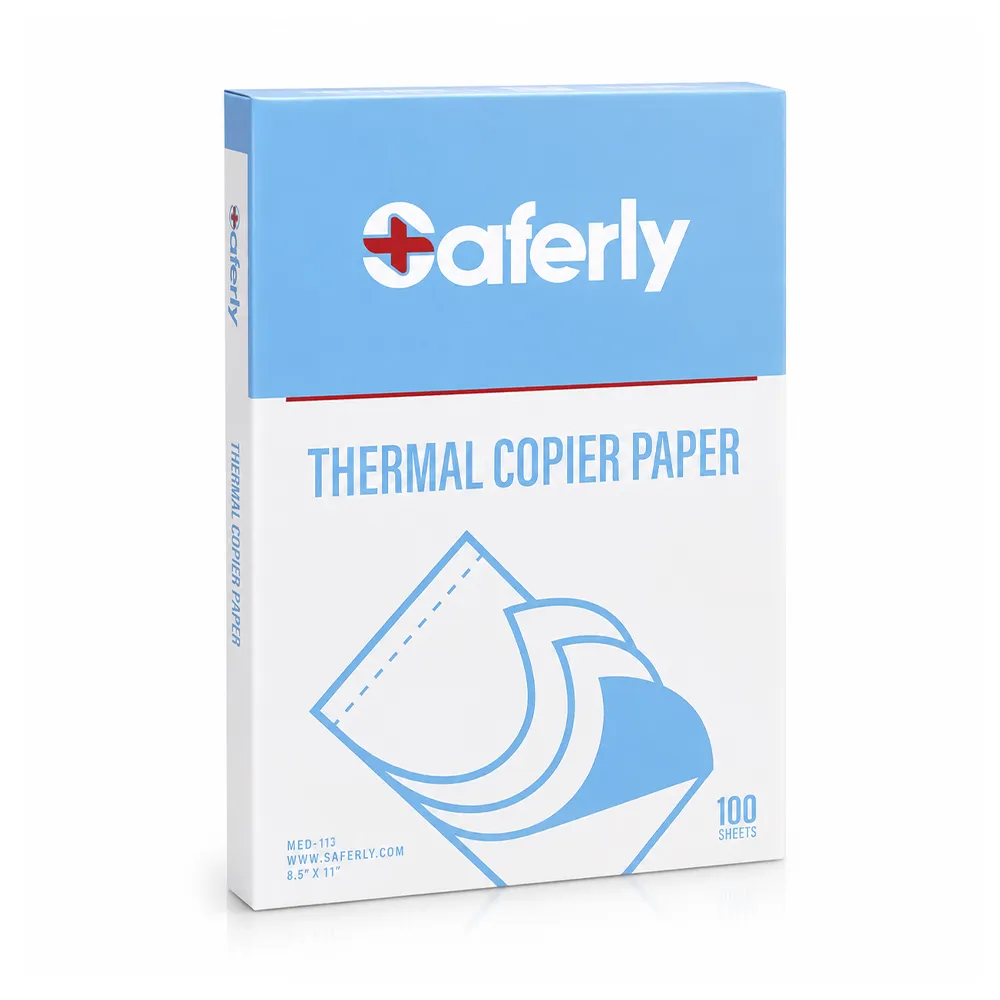 SAFERLY / THERMAL COPIER PAPER
Saferly - Thermal Copier Paper
100-sheet thermal copier paper listing; verify printer compatibility.
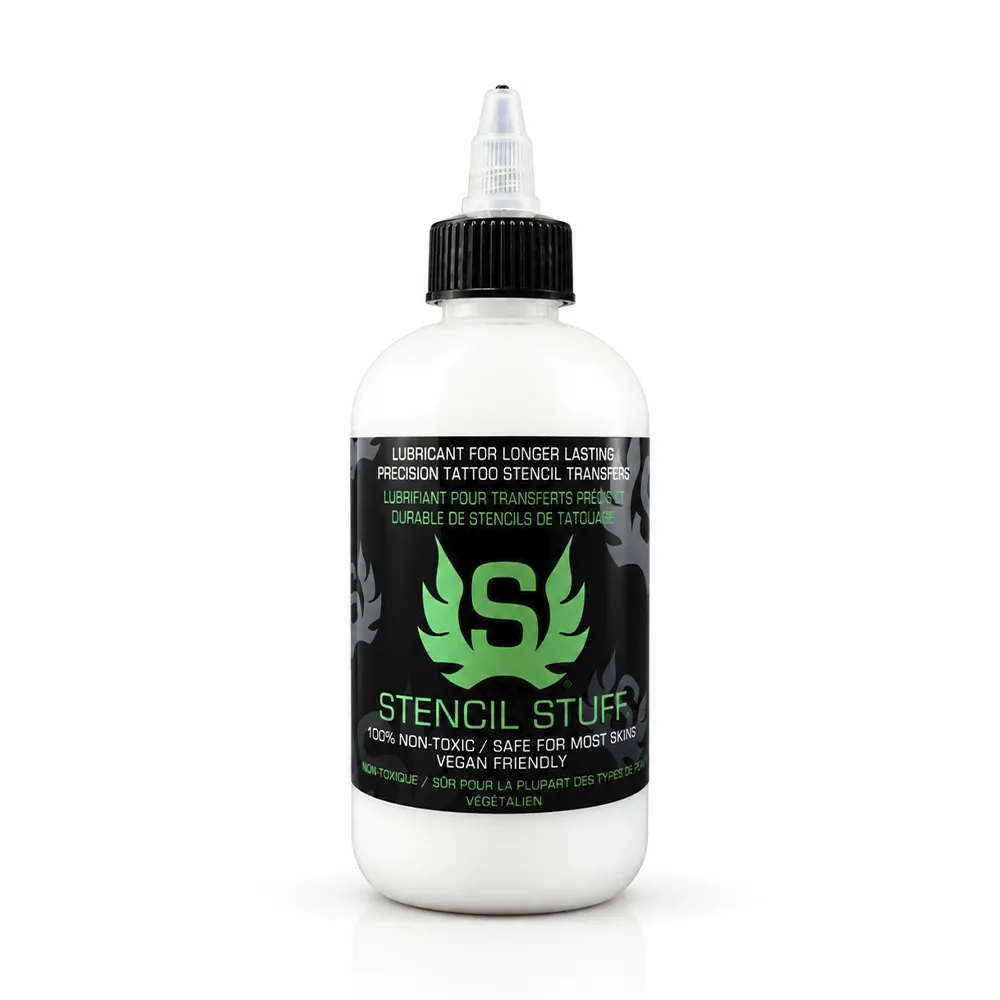 TATTOO STUFF / TRANSFER AGENT
Tattoo Stuff - Stencil Stuff
Stencil-transfer product; follow its own directions and paper guidance.
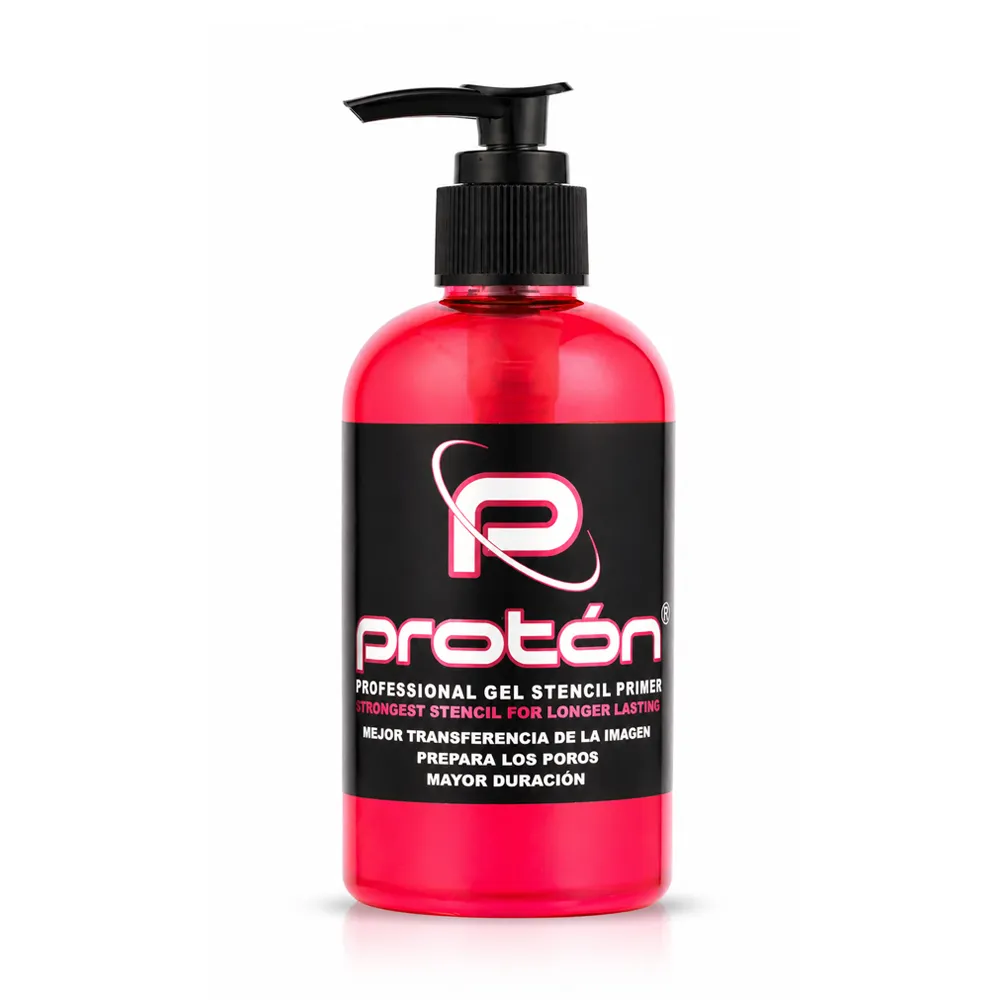 PROTON / TRANSFER PRIMER
Proton - Stencil Primer Gel Pink
Primer gel for the physical transfer stage, not the Procreate export.
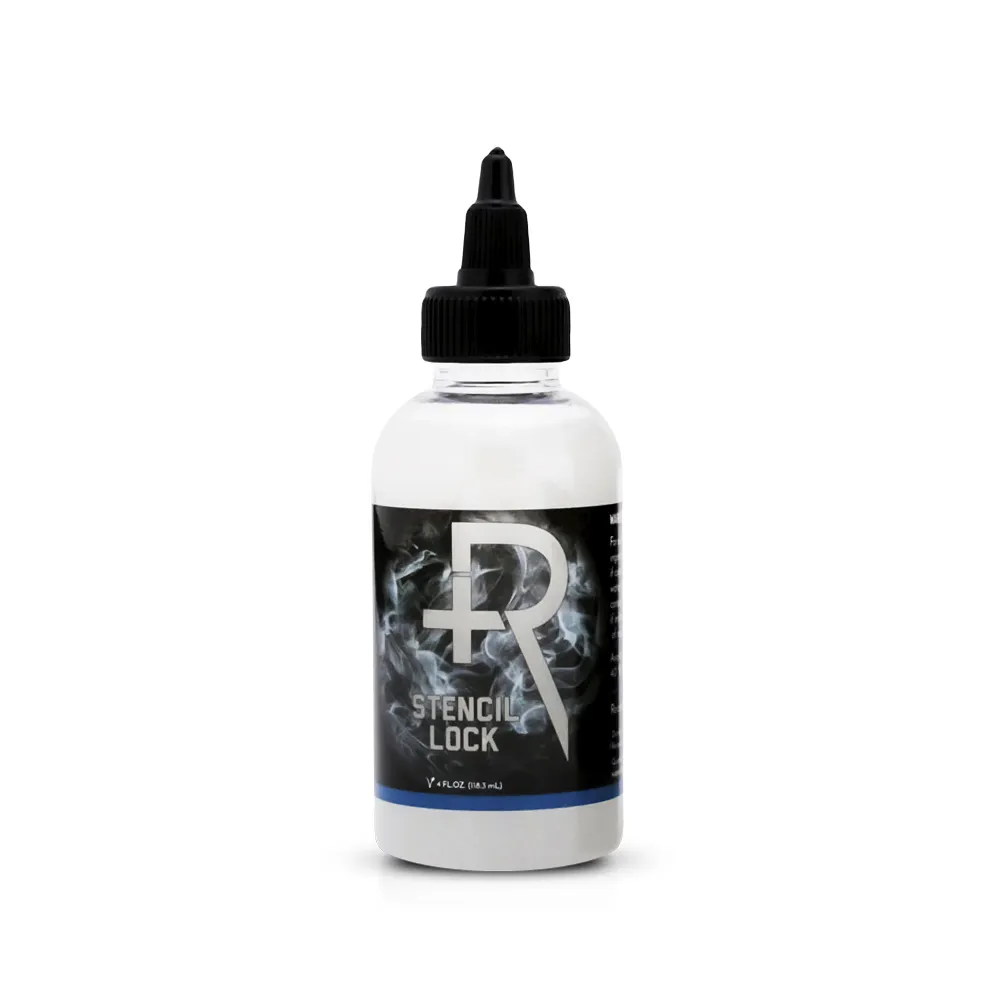 RECOVERY / STENCIL APPLICATION
Recovery - Stencil Lock 4 oz
Stencil application cream; check product and paper instructions.
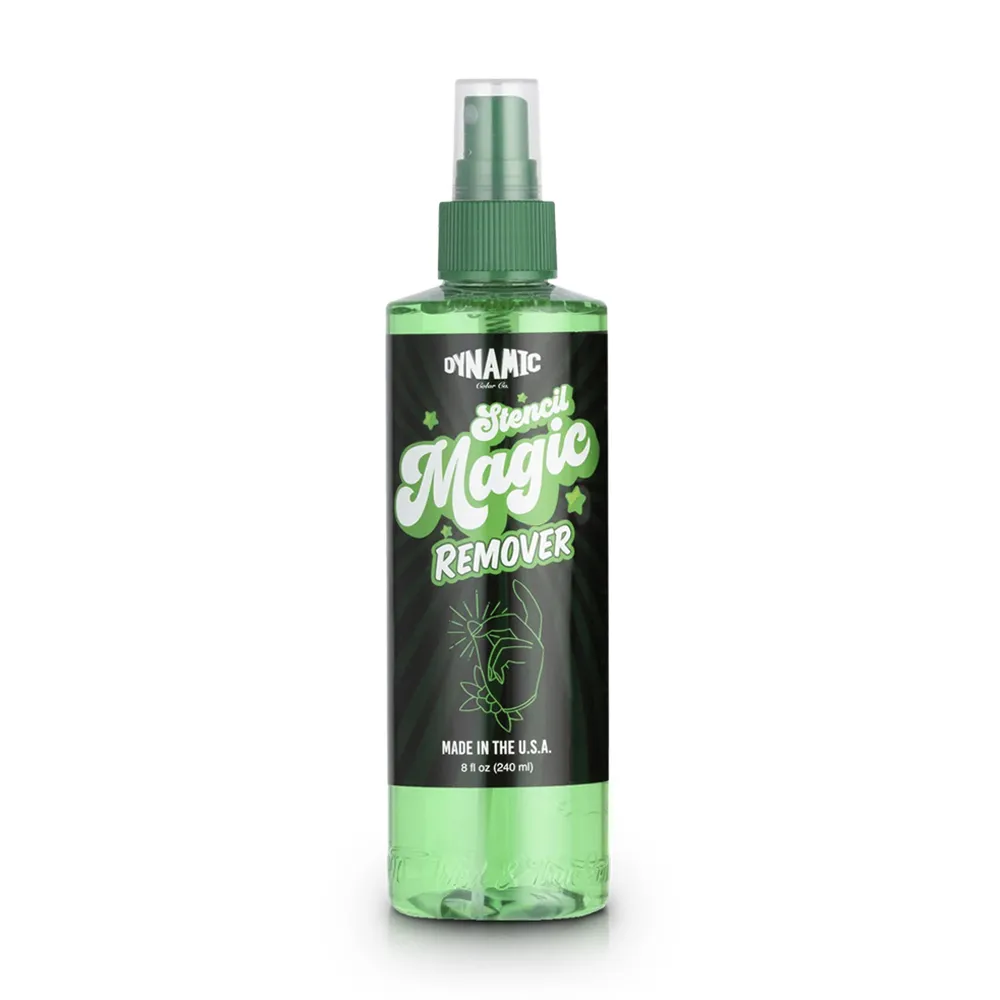 DYNAMIC / STENCIL CORRECTION
Dynamic - Stencil Remover 8 oz
Removal product for correcting a misplaced transfer; follow product directions.
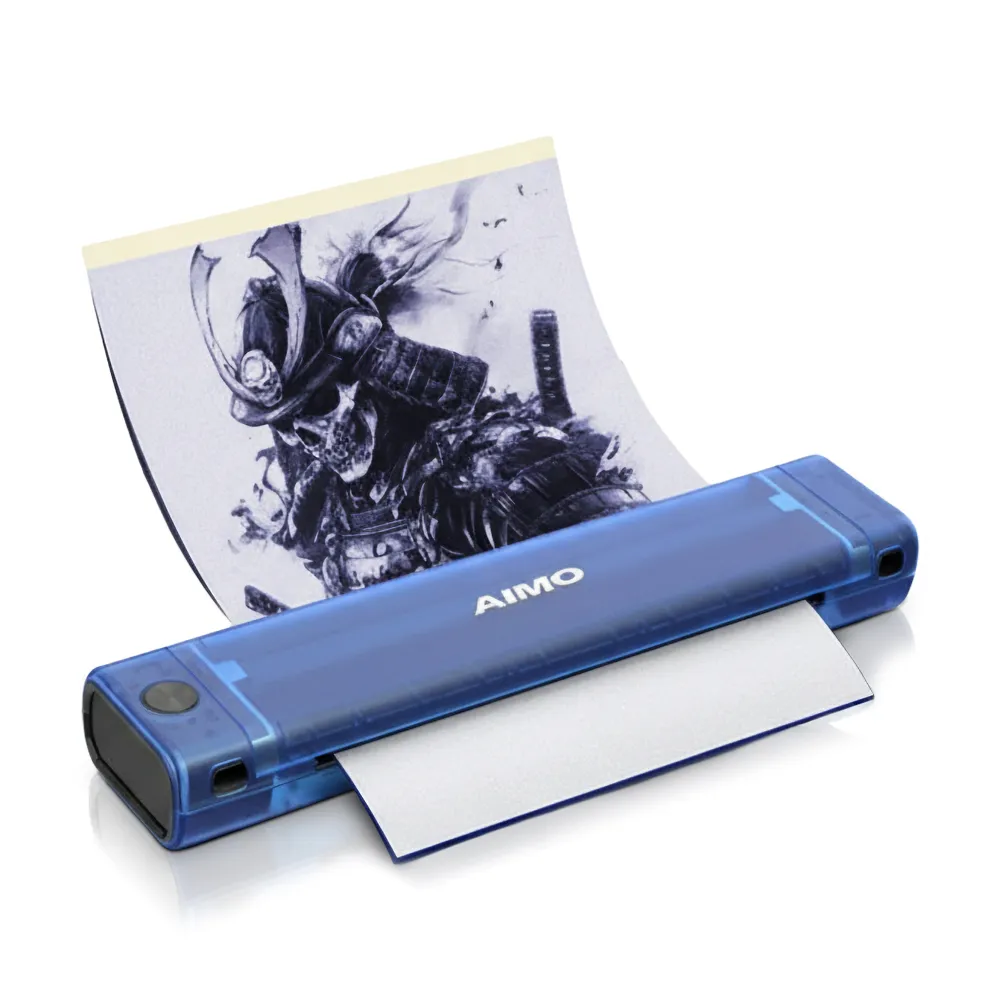 AIMO / TATTOO THERMAL PRINTER
AIMO - Blue Tattoo Thermal Printer T08F
Tattoo thermal printer; check supported formats, app, connection and paper.
Explore Spirit Thermal Paper Explore Stencil Stuff Explore AIMO T08F
PRINT-READY STUDIO CHECKLIST
What should artists check before printing a Procreate tattoo stencil?
Check the physical print, file, device orientation and transfer supplies before committing stencil paper.
- Canvas size: Does physical width and height match the intended print?
- DPI: Is the resolution appropriate for the printer and paper workflow?
- Layer plan: Is the intended drawing visible in the export?
- Original: Is an editable Procreate version retained?
- Export: Does the printer's app accept the chosen PNG, PDF, TIFF or JPEG?
- File destination: Can the artwork be accessed through Files, a print dialog or the device app?
- Orientation: Does this equipment require mirroring or handle it itself?
- Paper: Is the sheet intended for thermal copying or freehand transfer?
- Loading: Are the paper layers and printable side handled as the maker directs?
- Proof: Are print scale, clarity and orientation checked before final production?
- Transfer agent: Has the maker's paper and cream guidance been reviewed?
- Studio handling: Are local health rules, gloves, barriers and transfer procedures followed?
FAQ
Frequently asked questions about Procreate tattoo stencils and iPad printing
Answers for artists moving an iPad design into a physical stencil.
How do I print a tattoo stencil from Procreate?
Set the canvas for print, export through Actions → Share, then follow the printer and stencil-paper instructions.
What canvas size is best for a tattoo stencil in Procreate?
Match physical dimensions to the intended paper and print; Procreate accepts metric, imperial and pixel units.
What DPI should a Procreate tattoo stencil use?
Use the printer and paper requirements. Procreate gives no universal thermal-stencil DPI.
Do I have to flip a Procreate tattoo stencil horizontally?
Only if the printer/paper workflow requires it. Phomemo gives mirroring instructions for its own device.
Can I print a stencil directly from an iPad to a thermal printer?
It depends on the printer and app. Procreate exports through Files and the iPad share sheet.
Should I export a stencil from Procreate as PNG, PDF or TIFF?
Choose a format the printer accepts. PNG is lossless, PDF is print-oriented and TIFF preserves quality.
Why is my printed Procreate stencil too faint or too heavy?
Check the exported image, paper loading and printer-specific contrast settings before blaming the drawing.
Can I use regular paper to create a tattoo stencil?
Use ordinary paper for proofs or copier originals when appropriate; use proper stencil transfer paper for the final transfer.
Do I need a stencil transfer cream or gel?
Spirit specifies a transfer agent and recommends its matching paper-and-cream system.
Can a traditional thermal copier use a Procreate drawing?
A compatible copier may use a printed Procreate drawing as its original; follow that copier's instructions.
How can I reposition a tattoo stencil if it is wrong?
Spirit warns against moving a stencil after contact. Follow the removal product and studio procedure instead.
Does Procreate have a special tattoo stencil feature or stencil brush?
Procreate documents canvas, flip and export tools, not a dedicated thermal tattoo-stencil printing mode.
PROCREATE HANDBOOK AND MANUFACTURER GUIDANCE
Sources Consulted
Procreate documents canvas, export and iPad printing; Spirit documents paper and transfer. Phomemo provides a printer-specific mirror example, not a rule for all printers.
- Procreate Handbook: Create a Canvas, Size and DPI
- Procreate Help Center: Is My Artwork's DPI Setting Important?
- Procreate Handbook: Canvas Information and Flip Canvas
- Procreate Handbook: Share, PNG, PDF, TIFF and JPEG Export
- Procreate Help Center: Export, Share and Print on iPad
- Spirit Tattoo Products: Create a Stencil, Paper Layers and Transfer
- Spirit Tattoo Products: Transfer Cream and Paper Pairing
- Spirit Tattoo Products: Recommended Thermal Duplicators
- Phomemo: Manufacturer-Specific Thermal Printer and Mirroring Guide