Powered by Comercia.io
How do professional tattoo artists make a tattoo stencil with thermal paper, a stencil printer or freehand transfer paper? Prepare a clear, correctly sized design, choose thermal or impact stencil paper, produce a legible transfer and inspect it before it ever touches a client's skin. This studio-focused guide covers thermal tattoo stencil printers, Spirit paper layers, hand-drawn stencils, common print failures and a professional single-use workflow.
Shop Spirit Thermal Paper Shop Spirit Freehand Paper
QUICK ANSWER
How do you make a tattoo stencil with a printer or without one?
For thermal stencils, send a clean, correctly sized design through a compatible thermal stencil printer or copier using thermal stencil paper. Spirit instructs artists to remove the protective onionskin first. Without a printer, use impact or freehand stencil paper to draw the design by hand. Inspect the resulting stencil for complete, sharp, readable lines, then use an appropriate transfer agent according to the manufacturer's directions. In Texas, the stencil and its applicator are single-use.
THERMAL
Digital or prepared artwork, compatible stencil printer or duplicator, thermal stencil paper and a legibility check.
FREEHAND
Impact or write-on paper, controlled manual drawing and a careful inspection of the stencil image.
ON SKIN
Spirit describes a thin transfer-agent layer; follow studio hygiene and refer to the full stencil-application guide.
KNOW WHICH SHEET YOU BOUGHT
Thermal vs hectograph or freehand stencil paper: what is the difference?
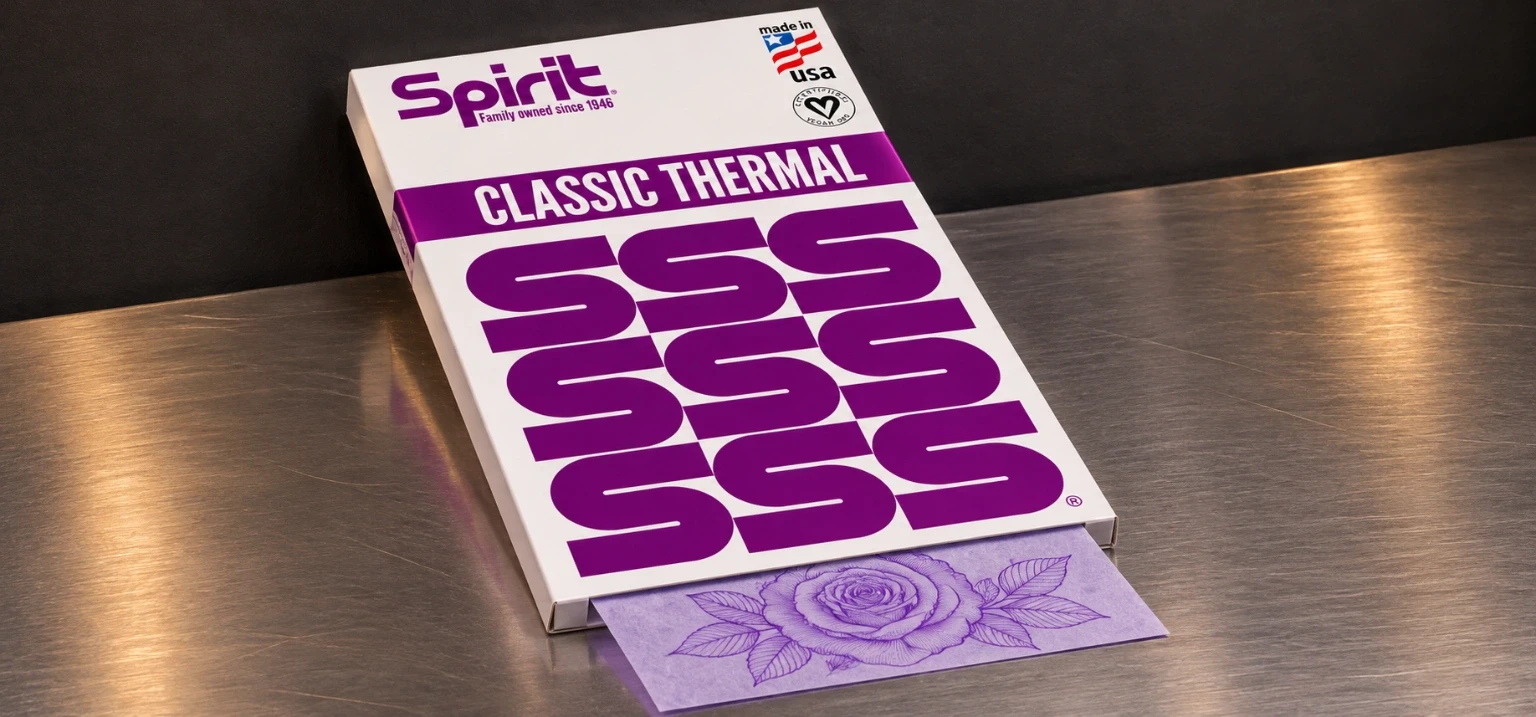
Spirit divides its stencil media into thermal and impact or write-on families. Thermal paper is made for compatible thermal duplicators or printers; impact paper is intended for hand-drawing. Spirit says you can identify its formats by counting the sheets before loading or drawing. That check prevents an artist from beginning a print job with the wrong paper family.
| Question | Spirit thermal paper | Spirit impact / freehand paper |
|---|---|---|
| How is the stencil made? | Reproduced through a compatible thermal copying or printing system. | Written or traced by hand using the impact paper. |
| What does Spirit say is inside? | Three paper sheets plus protective onionskin. | Two paper sheets plus protective onionskin. |
| What should be removed first? | Protective onionskin, according to Spirit. | Protective onionskin, according to Spirit. |
| Do you need a stencil printer? | Yes, for the thermal reproduction route. | No, the design is created manually. |
| Best studio reason to choose it | Reproducing an approved design without redrawing its lines manually. | Building or modifying the guide by hand. |
| Important check | Paper compatibility with the specific printer or copier. | Whether the hand-drawn output is clear and complete. |
THE PRINTED-STENCIL ROUTE
How do you make a tattoo stencil with a thermal printer or copier step by step?
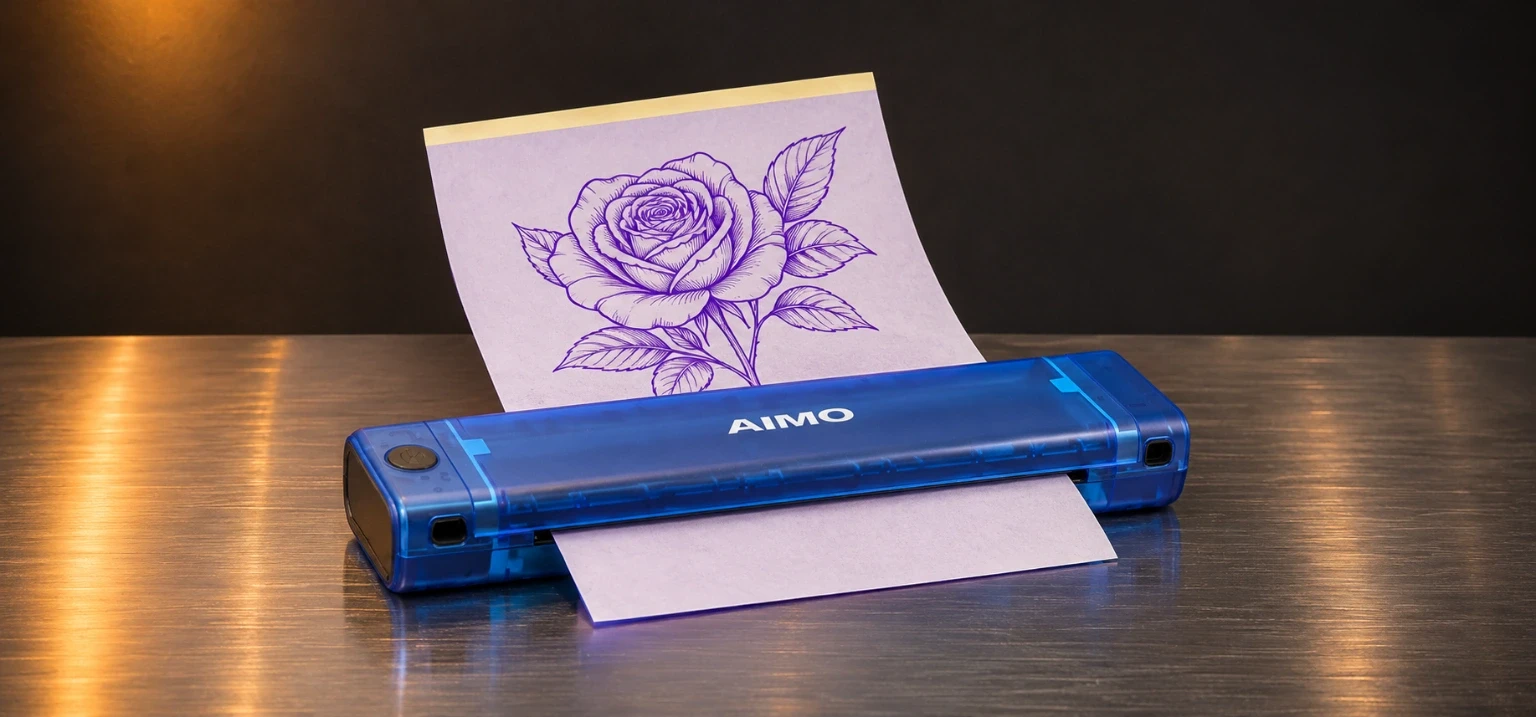
Spirit documents thermal stencil paper for machines such as traditional 3M duplicators and the Brother S8 system. The exact feed orientation and machine controls depend on the equipment; follow the printer and paper instructions. The workflow below covers the checks an artist makes before using the resulting stencil on a client.
Finalize the design and output size
Review the artwork, dimensions and any text or directional elements. Use the approved working image rather than an unreviewed rough draft.
Confirm printer and paper compatibility
Spirit lists specific compatible duplicators, and Brother describes its S8 as a dedicated thermal stencil printer. Follow the instructions for the exact model and paper rather than a generic print setting.
Identify the thermal paper set
Spirit says its thermal units contain three paper sheets and a protective onionskin. Separate only what the manufacturer tells you to remove.
Remove the protective onionskin
Spirit explicitly calls for removing this layer before proceeding with stencil creation. Keep the remaining media assembled as directed for the equipment.
Load the machine according to its manual
Follow the model's correct paper path, orientation and compatible print procedure. The feed sequence in a 3M-style copier is not automatically the same as in every portable printer.
Produce a test copy
Use the device's supported controls to reproduce the artwork. Inspect the transfer image for clarity, line continuity, unexpected marks and correct direction.
Correct the source or setup if needed
When the copy is too faint, crowded or distorted, review the design, paper type and machine instructions before trying another fresh sheet.
Approve the completed stencil
Only a clean, legible and correctly sized output should proceed to the studio's single-use skin-transfer stage.
THE NO-PRINTER STUDIO METHOD
How do you make a tattoo stencil without a thermal printer?
Use professional impact or freehand stencil paper. Spirit calls this its write-on method and distinguishes the two-sheet impact format from the thermal format. This is the documented printer-free option for a professional studio, especially when the artist wants to build or adjust an outline manually.
Prepare the approved drawing
Define the contours and intended size before touching the paper. Keep the artwork and placement decision separate from the transfer process.
Select Spirit-style impact paper
Confirm it is the write-on/freehand family. Spirit describes two paper sheets plus an onionskin in its impact units.
Remove the protective onionskin
Spirit directs removal of the protective sheet from either stencil-paper type before continuing.
Draw the working outline by hand
Build the contour using the impact-paper method, checking the line path and detail as you go. The result should be a clear stencil rather than a sketch full of unresolved marks.
Inspect the hand-drawn result
Review completeness, size, direction and whether the line is readable at the intended scale. Correct the artwork or remake the stencil when necessary.
Continue with studio transfer protocol
Use the appropriate transfer agent and a fresh single-use applicator. Apply the completed stencil according to manufacturer instructions and local rules.
An office print may serve as an artwork reference, not as verified skin-transfer media. Draw on impact paper and use practice supplies to rehearse the design before client work.
MATCH THE PAPER AND MACHINE
What kind of printer do professional tattoo artists use for thermal stencils?
A professional thermal stencil printer or duplicator should be chosen for compatibility with tattoo stencil paper and the studio's design workflow. Spirit names the Brother S8, traditional 3M machines, TIM and Panenka among its recommended thermal duplicators. Brother describes the S8 as printing 300 dpi designs on full-page stencil paper from a computer.
| System or example | Published manufacturer information | What to verify before buying |
|---|---|---|
| Brother S8 | Brother lists 300 dpi thermal printing from PC software; Spirit lists its compatible thermal paper. | Computer workflow, supported media and current printer instructions. |
| Traditional 3M thermal duplicator | Spirit describes using traditional 3M-type machines and lists several 3M models. | Exact machine condition, stencil-paper path and operator procedure. |
| TIM or Panenka thermal duplicator | Spirit includes both on its recommended systems page. | Power requirements, service information and paper compatibility for the specific unit. |
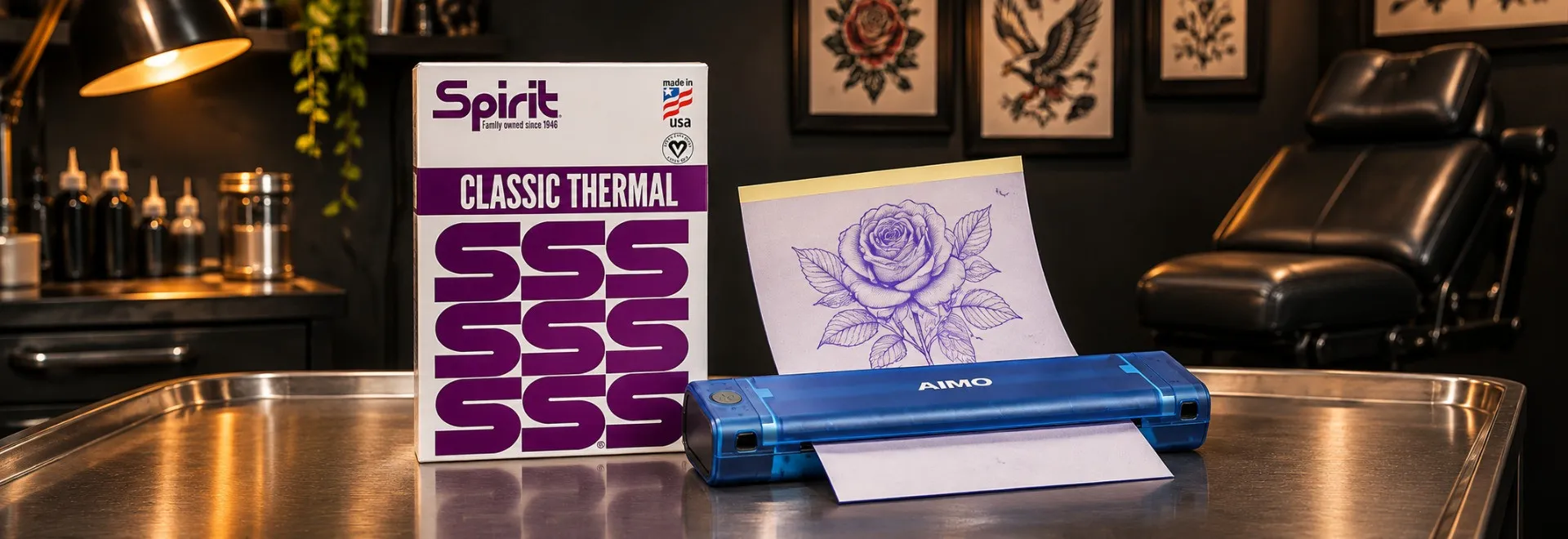
| AIMO Blue Tattoo Thermal Printer T08F | SVT Shop lists this model as a thermal tattoo printer option. | Review the exact unit instructions and supported stencil media before purchase. |
Brother S8 is a manufacturer reference; SVT Shop lists AIMO separately. Compare the equipment, and see first professional tattoo setup for the rest of the studio workflow.
WHEN THE OUTPUT IS WRONG
Why is my tattoo stencil faint, not printing, smudged, blurry or crinkled?
First identify whether the failure is in the paper copy or in the later skin transfer. Spirit distinguishes thermal and impact media and warns that movement during application causes smudging or blurring. Use the following checks to isolate the issue without inventing a machine-specific temperature or pressure setting.
| What went wrong? | Check first | Practical correction |
|---|---|---|
| Thermal copy is too light | Source line contrast, stencil-paper family, printer/paper compatibility and supported device instructions. | Correct the source or setup and make a fresh test print before client use. |
| Nothing appears on the stencil | Correct media, protective onionskin removal and the machine's designated paper path. | Follow Spirit's layer instructions and the device manual rather than improvising a new feed direction. |
| Fine details merge or disappear | Artwork resolution at the chosen scale, line spacing and printed proof. | Revise the drawing or size before making another stencil. |
| Paper wrinkles or the copy distorts | Condition of the sheet, whether it sits flat and the documented loading method. | Use intact media and reload only as the machine manufacturer directs. |
| Hand-drawn lines are incomplete | Impact-paper type and the actual drawn outline. | Inspect and redraw a clean stencil rather than using an ambiguous guide. |
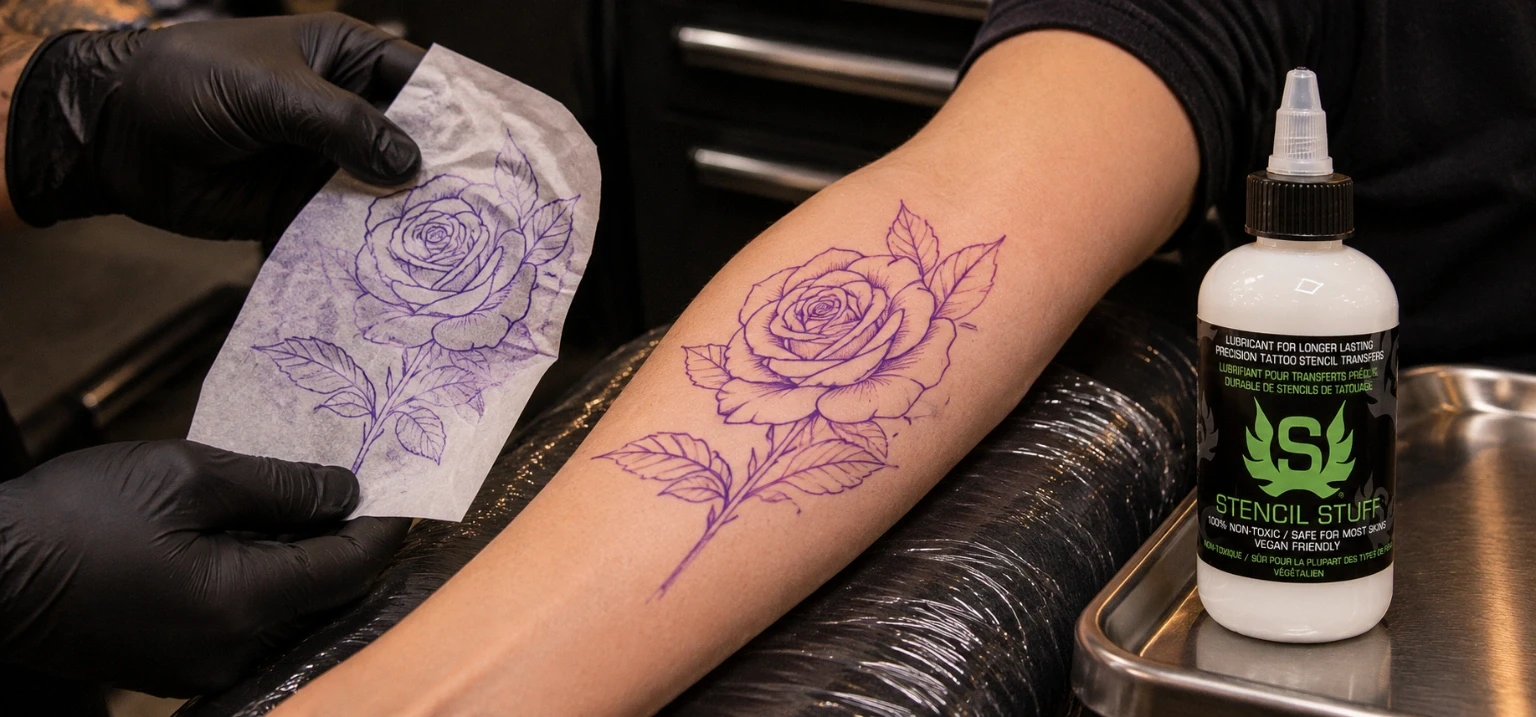
| Image blurs only on skin | Transfer technique, product compatibility and movement after contact. | Spirit says to avoid shifting the stencil once it contacts skin; consult the application guide. |
| Lettering faces the wrong direction | Artwork orientation and the printer's media path. | Review the master design and produce a corrected proof before transfer. |
TEXAS STUDIO PRACTICE
Are tattoo stencils and their applicators single-use in Texas?
Yes. Texas Administrative Code 25 TAC 229.409(k) says all stencils shall be single-use. It also requires the products used in stencil application to be dispensed and applied aseptically without contaminating the original container, and the applicator itself must be single-use. These rules apply to the professional studio workflow regardless of whether the artwork was made thermally or by hand.
What this means at the work area
- Prepare a fresh stencil for the individual client and do not reuse it for someone else.
- Use a fresh single-use applicator rather than returning a used applicator to the product container.
- Dispense transfer product in a way that preserves the original container and its contents.
- Continue following the studio's full health-code, barrier and surface-preparation procedures.
Spirit also directs artists to follow the health codes and laws of their own jurisdiction. For the broader station-side routine, see SVT Shop's tattoo cross-contamination checklist. Hygiene does not become optional when you choose a digital printer.
STENCIL-MAKING ERRORS
What common mistakes cause weak thermal copies or unreliable freehand stencils?
Most errors begin with the wrong media, a skipped layer check or poor proofing. Spirit explains the paper types; the printer maker explains operation. A readable stencil also supports clean tattoo lines.
Using thermal instructions for impact paper
Spirit identifies different constructions for each. Check the stencil-paper family and its layer count before starting.
Forgetting the protective onionskin
Spirit directs artists to remove the onionskin before creating the stencil, whichever of its two paper methods they use.
Guessing a printer's heat or density value
Use the actual model instructions and test print. Settings from another device are not a universal stencil formula.
Printing before reviewing the dimensions
Check the design size, line readability and direction so you are not correcting basic artwork problems on the client's skin.
Changing the paper after it contacts skin
Spirit warns that shifting the stencil during skin application can blur or bleed the transfer.
Reusing stencils or applicators
Texas requires both stencils and their applicators to be single-use, with transfer products dispensed aseptically.
SVT SHOP PROFESSIONAL STENCIL SUPPLIES
Which thermal paper, freehand paper, stencil printer and transfer supplies should artists compare?
Start with the method the studio uses. Spirit Classic Thermal Paper supports a documented thermal reproduction workflow, while Spirit Classic Freehand Transfer Paper is for hand-drawn impact stencils. SVT Shop also lists other stencil media, an AIMO thermal printer and professional transfer products. Check printer and paper compatibility before ordering; application products perform a separate job from making the paper copy.
 For supported thermal duplicators
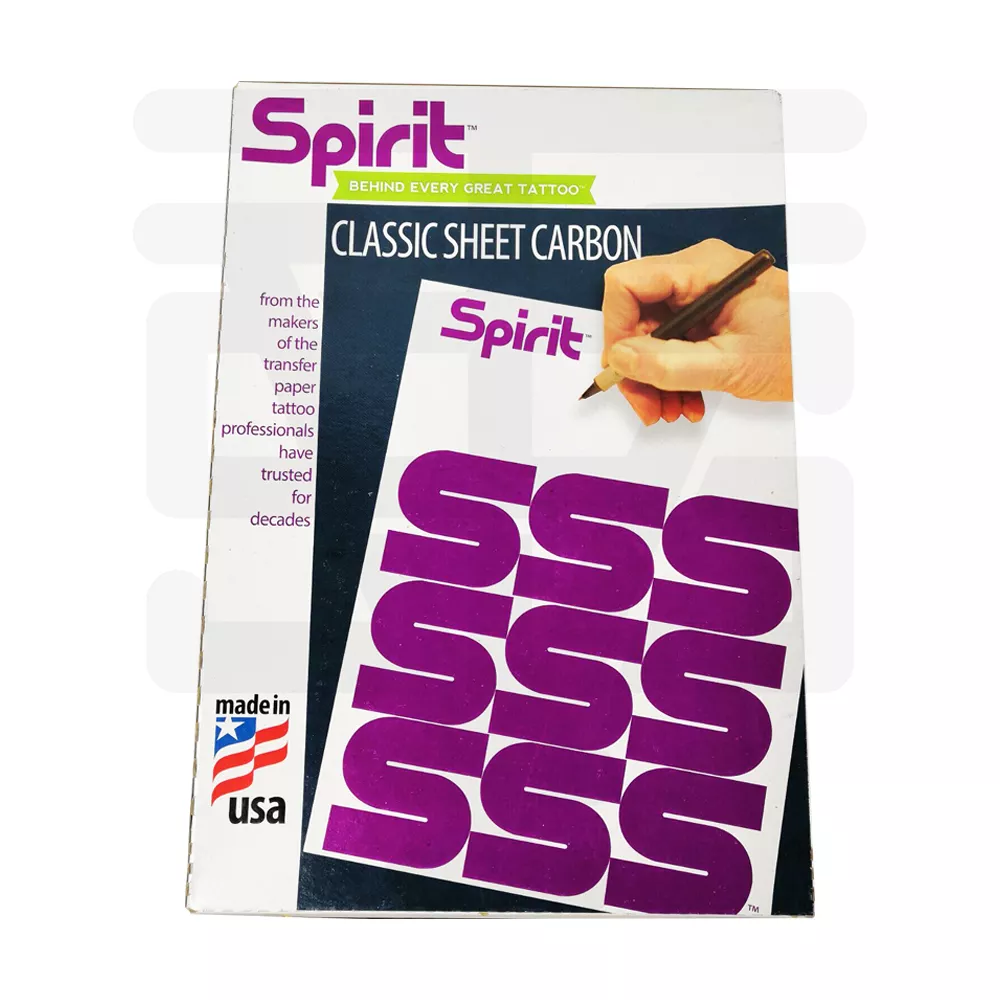
Spirit Classic Thermal Paper
Stencil media for Spirit's thermal process. Confirm printer compatibility and remove the protective onionskin as Spirit directs.
 For a no-printer hand-drawn stencil
Spirit Classic Freehand Transfer Paper — 10 Units
Impact-style paper for artists who create the outline manually instead of sending it through a thermal printer.
 Alternative professional stencil media
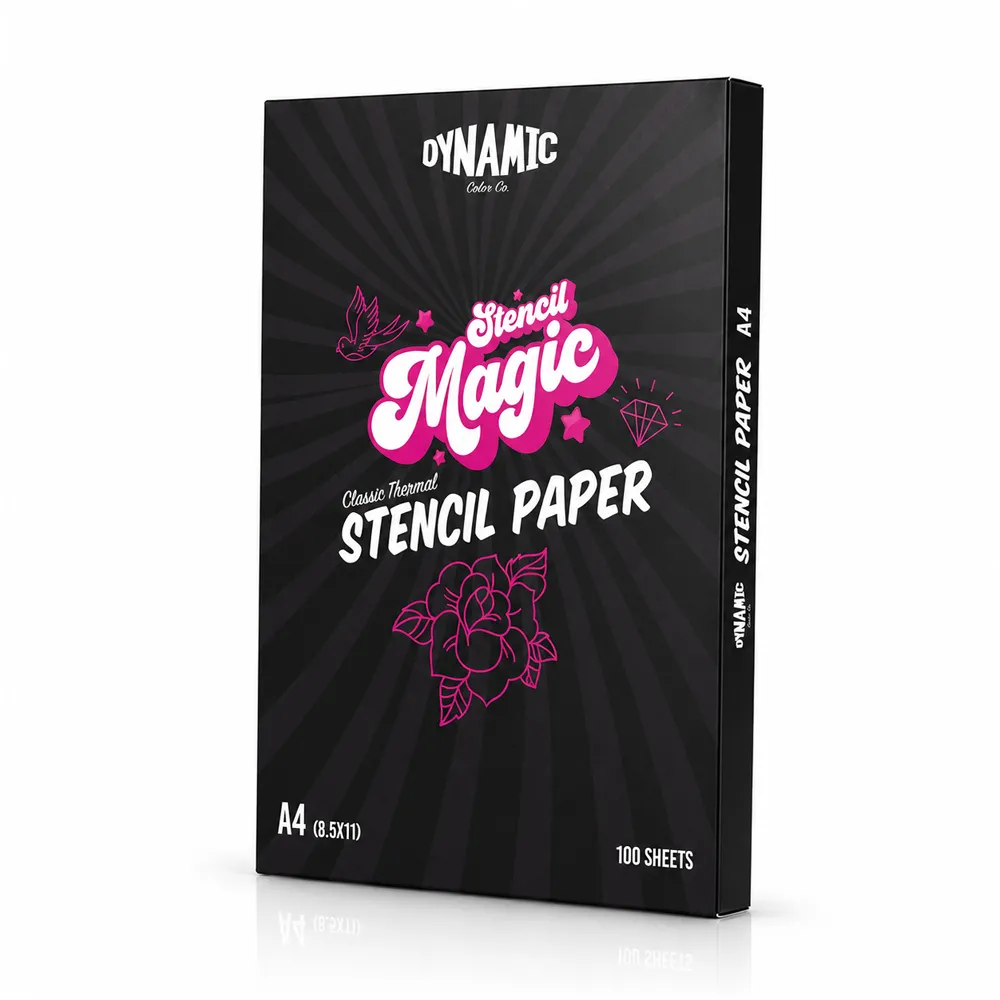
Dynamic Stencil Magic Paper
Another stencil paper listing to compare against the studio's actual intended workflow and equipment.
 Thermal paper alternative
Madelon Tattoo Thermal Paper
Thermal stencil paper option; review its compatibility with the particular printer or copier before use.
 For compatible thermal copying equipment
Saferly Thermal Copier Paper
A second thermal media option to evaluate with the studio's supported copier and test-print workflow.
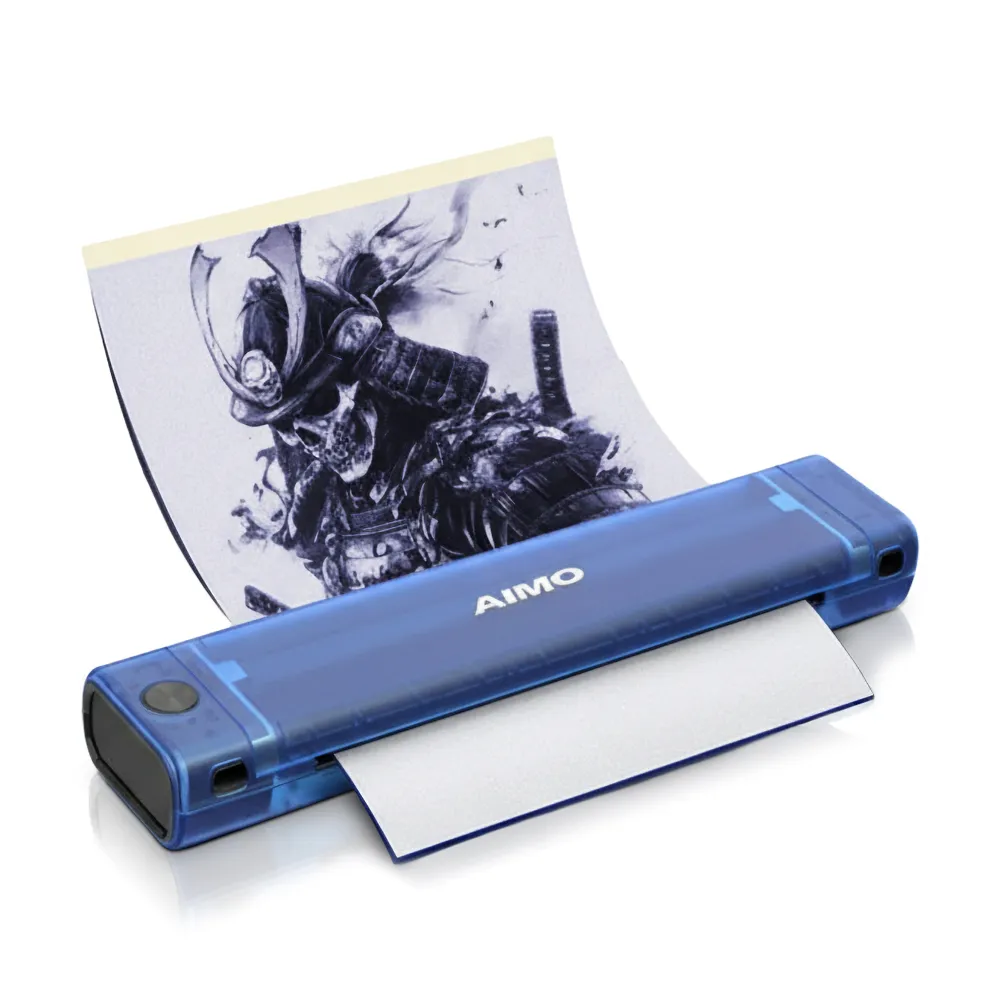 Printer option to evaluate
AIMO Blue Tattoo Thermal Printer T08F
Tattoo thermal printer listing; inspect the specific instructions, supported media and operating procedure before purchase.
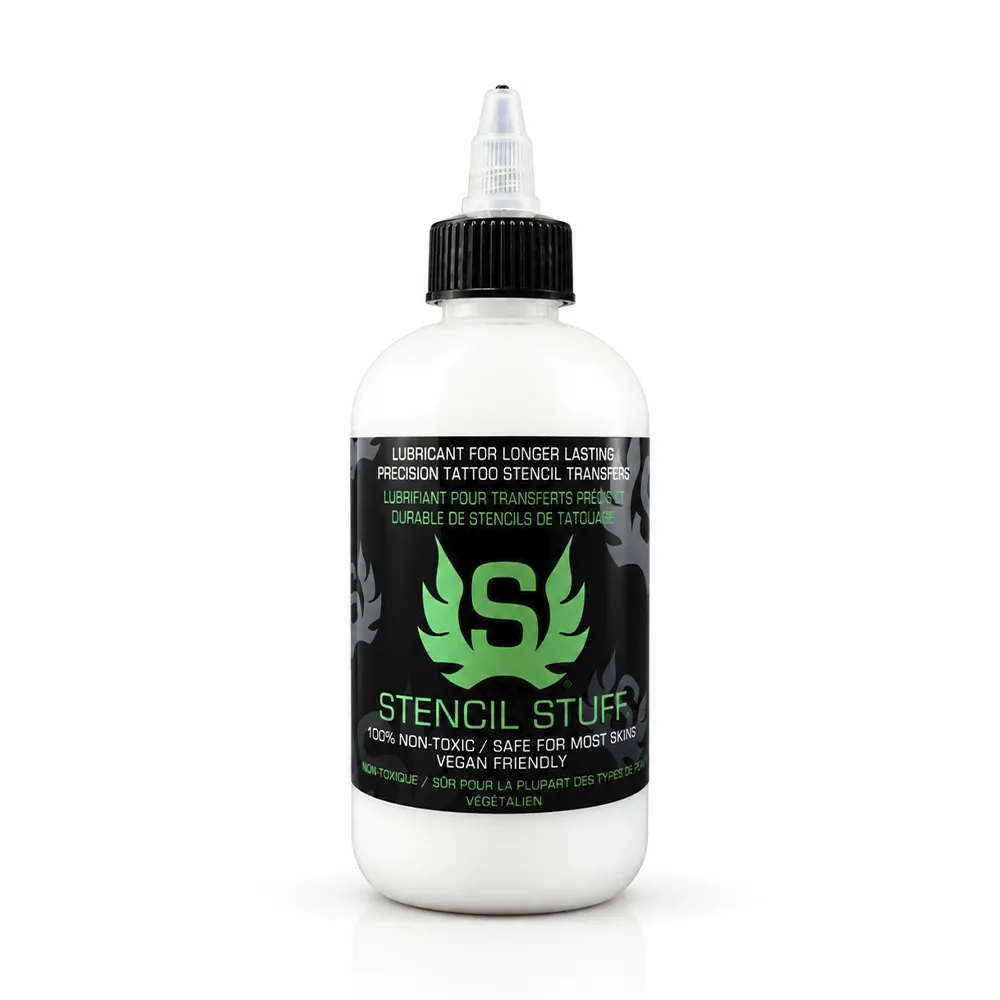 For the later skin-transfer stage
Tattoo Stuff Stencil Stuff
Transfer agent for an artist-approved application method after the stencil is made on paper.
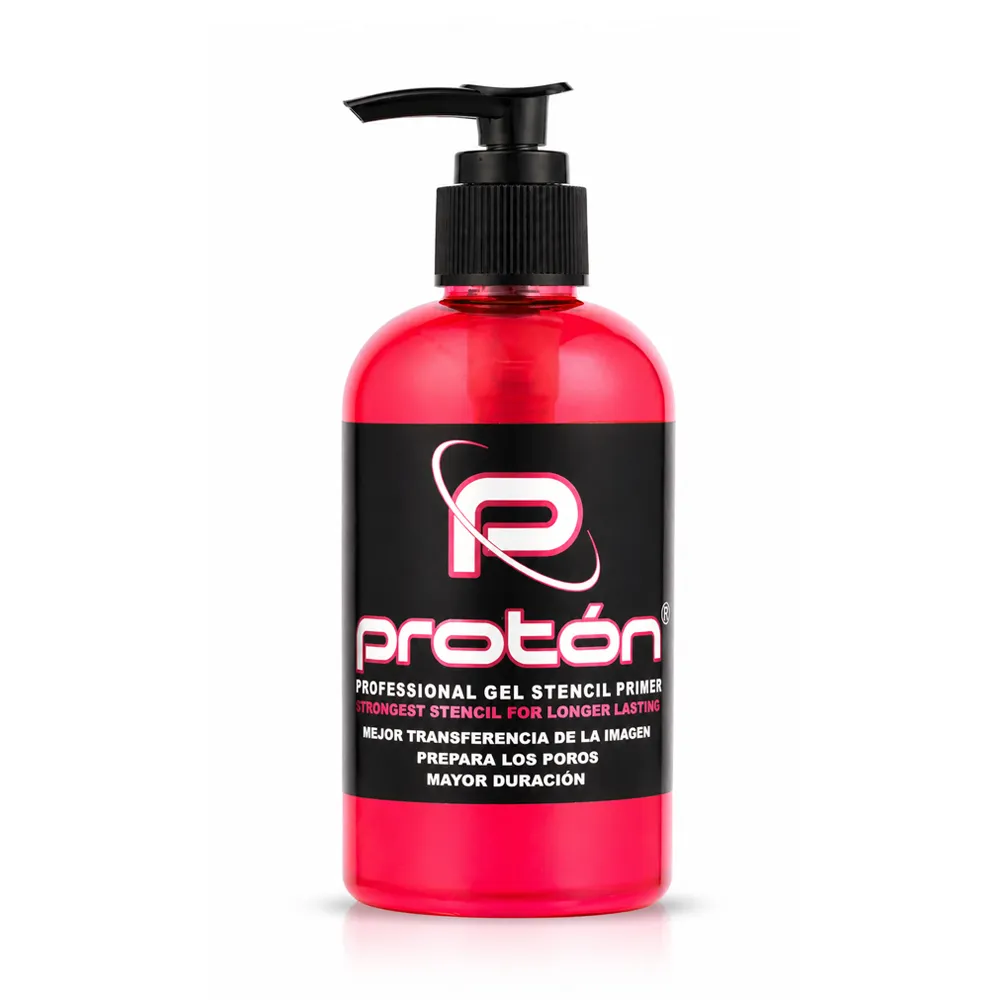 Professional transfer gel option
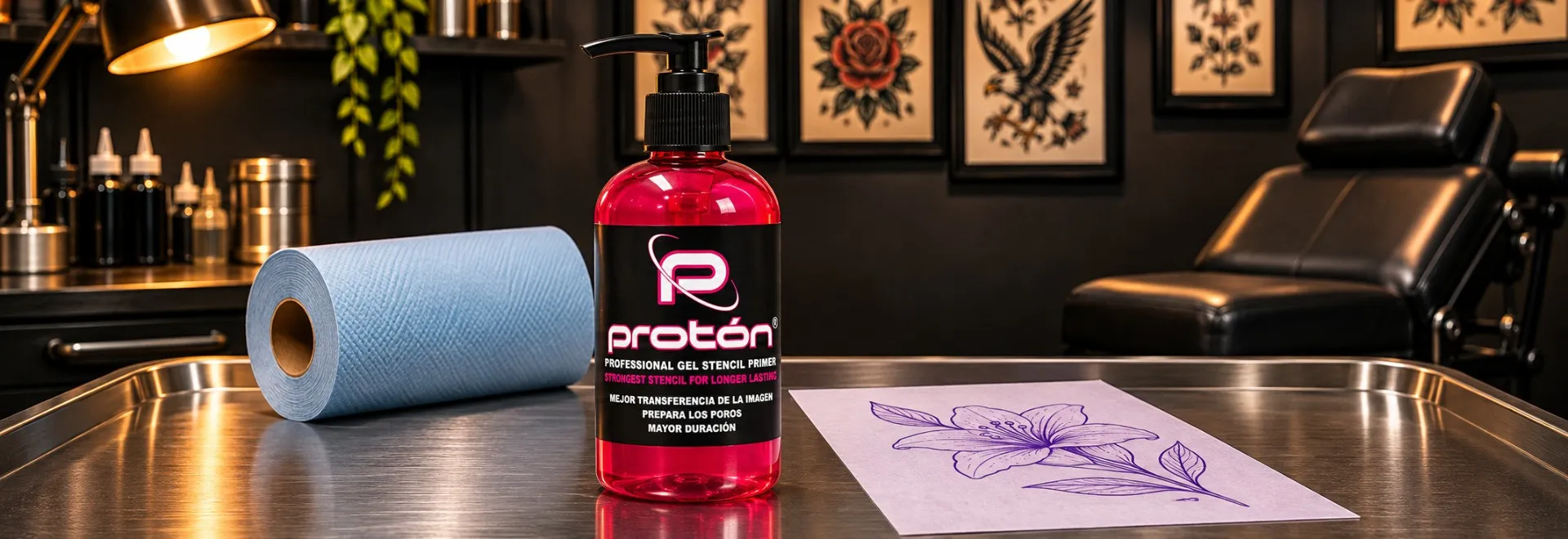
Proton Stencil Primer Gel Pink
Primer-gel format to compare when preparing a completed stencil for skin application.
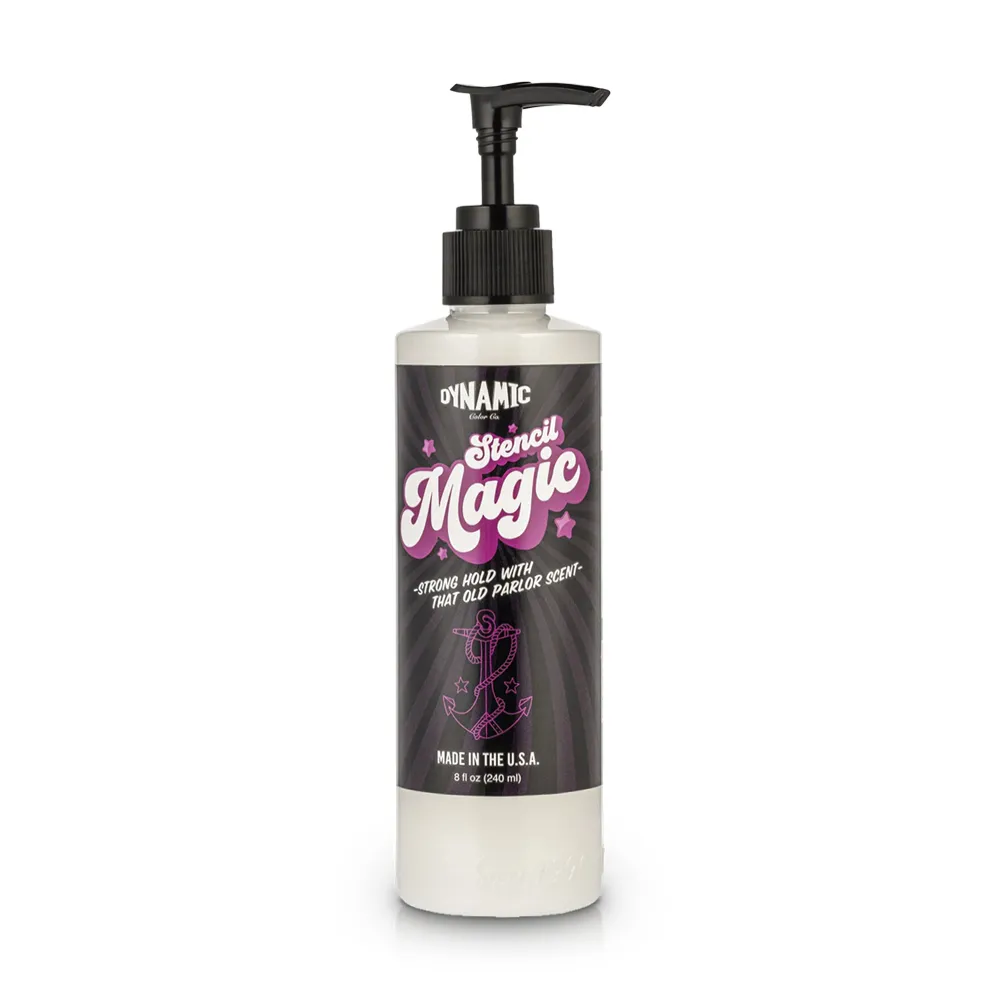 Alternative stencil transfer solution
Dynamic Stencil Magic 8 oz
Transfer solution option for the studio's skin-transfer routine; distinct from Dynamic's stencil paper.
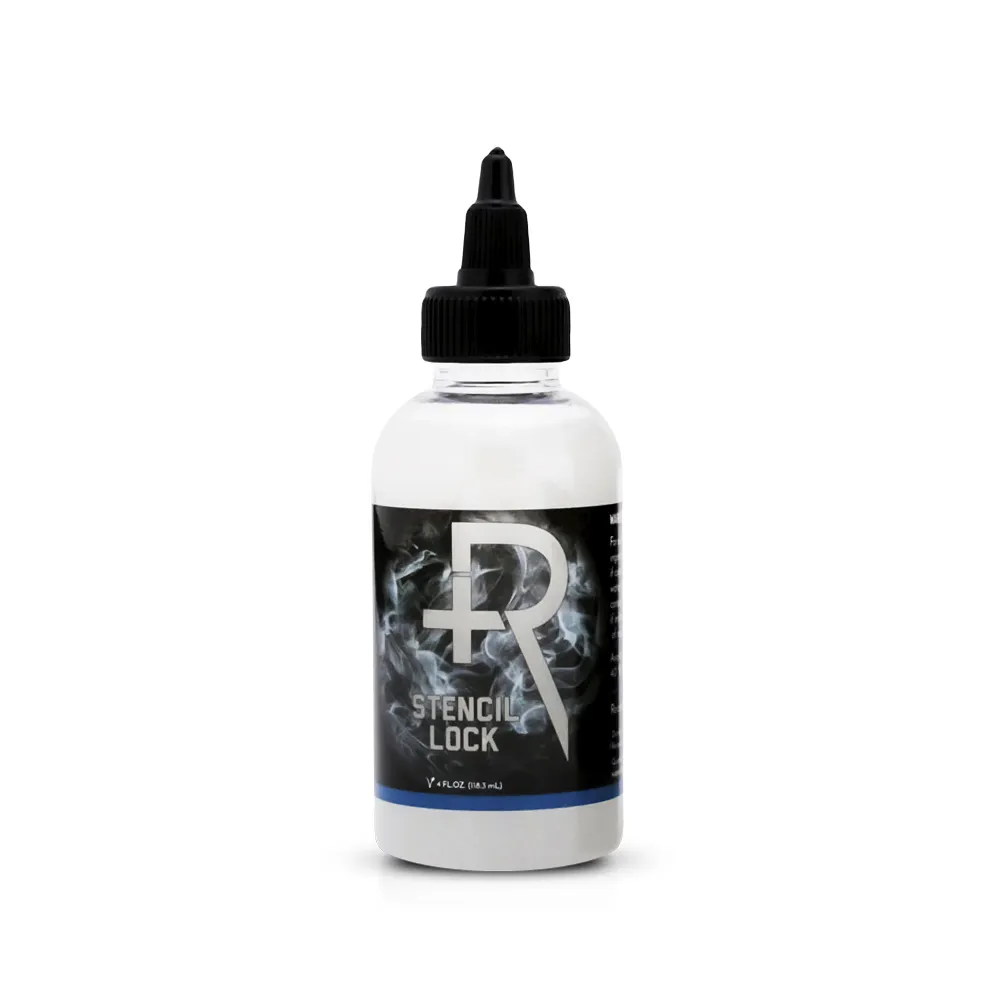 For the stencil-application workflow
Recovery Stencil Lock 4 oz
Application-stage product to review in the separate guide on transfer performance during a session.
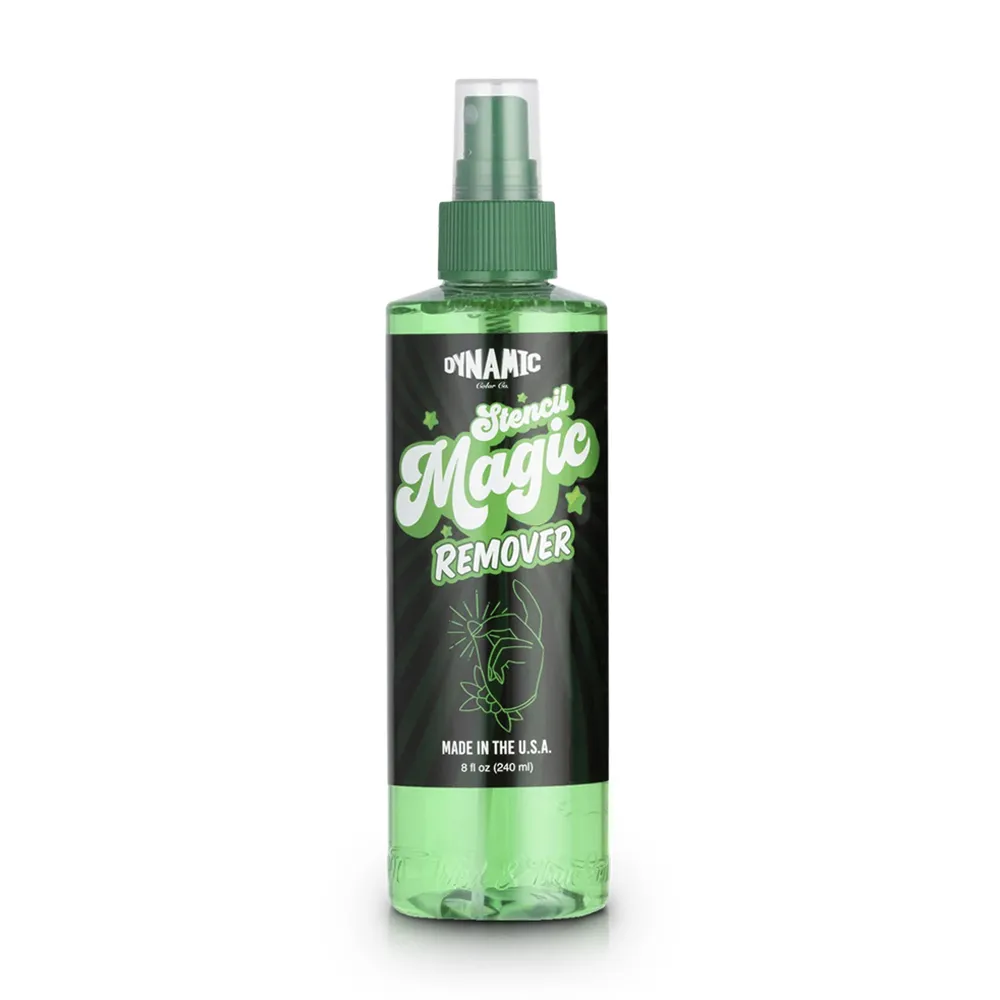 For correcting a misplaced transfer
Dynamic Stencil Remover 8 oz
Remover listing for an artist-directed stencil correction, separate from printing or hand-drawing the initial stencil.
Shop Thermal Stencil Paper Explore AIMO Printer Read the Transfer Guide
SVT Shop supplies artists and studios in El Paso, TX, with Next Day Delivery available in El Paso. Select media by method and compatibility, not by assuming all stencil paper works in every device.
BEFORE THE CLIENT SESSION
What should be on a professional tattoo stencil-making checklist?
Use this quick review to catch mistakes before the artwork is transferred. It separates design quality, machine compatibility and the single-use skin-contact stage.
- Artwork: Approved design, correct scale, complete contours and properly oriented lettering.
- Method: Thermal reproduction or freehand impact drawing clearly selected.
- Paper: Confirm the paper family and the sheet construction Spirit describes.
- Onionskin: Protective onionskin removed as directed before making the stencil.
- Equipment: Thermal printer or copier compatible with the media and operated by its own instructions.
- Proof: Sharp, legible output with no missing details, folds or accidental marks.
- Transfer: Appropriate agent chosen; application details checked in the stencil-longevity guide.
- Hygiene: Fresh single-use stencil and applicator, with product dispensed aseptically under Texas rules.
FAQ
12 questions about thermal tattoo stencil printers, paper and freehand transfers
Answers reflect Spirit, Brother and Texas requirements, with a focus on practical studio decisions.
1. How do tattoo artists make a tattoo stencil?
Finalize the design and size, choose thermal or freehand stencil paper, produce the outline and inspect the finished sheet. Spirit describes both methods and a separate transfer-agent stage.
2. How do you make a tattoo stencil without a printer?
Use impact or freehand stencil paper and draw the outline manually. Spirit calls this write-on paper. Keep the process within the studio's single-use protocol.
3. What is the difference between thermal and hectograph transfer paper?
Spirit thermal paper is for a compatible printer or duplicator and has three paper sheets plus onionskin. Its impact paper is for manual drawing and has two sheets plus onionskin.
4. What kind of printer do professional tattoo artists use?
Spirit lists Brother S8, traditional 3M devices, TIM and Panenka thermal duplicators. Brother documents 300 dpi thermal printing for its S8. Check the exact model and paper.
5. How does a tattoo thermal stencil printer work?
It reproduces prepared design lines onto compatible thermal stencil media. Spirit documents the paper type and Brother describes printing designs from a computer. Follow the specific equipment instructions.
6. Can I use a regular printer or normal paper for tattoo stencils?
Use ordinary printing for a visual artwork reference, not as a substitute for professional skin-transfer media. The documented routes are a compatible thermal stencil setup or impact paper for hand drawing.
7. Why is my thermal stencil very light or not printing?
Check the master drawing, correct paper type, Spirit's onionskin instructions, paper orientation and printer compatibility. Review a test copy before changing supported device controls.
8. Which layers of tattoo thermal paper should I remove?
Spirit says its thermal paper has three paper sheets and a protective onionskin; it instructs artists to remove the onionskin before proceeding. Follow the specific media and printer directions for everything else.
9. How do you get a tattoo stencil to stay on the skin?
Spirit calls for a suitable transfer agent and warns against moving the paper once it touches skin. See SVT Shop's stencil-longevity guide for detailed application.
10. Do you need tattoo stencil cream, gel or transfer solution?
Spirit describes using a thin layer of matching transfer agent to place its paper stencil on the skin. Use the manufacturer's instructions and a single-use applicator under Texas rules.
11. How do you resize a tattoo stencil or make the lines thicker?
Make those design decisions before printing or drawing, then inspect a new proof at the final scale. Do not depend on guessed thermal settings to compensate for crowded or unclear artwork.
12. Can a tattoo studio reuse a stencil or the transfer applicator?
No. Texas rule 25 TAC 229.409(k) requires both to be single-use and requires transfer products to be dispensed and applied without contaminating their original containers.
RESEARCH
Sources Consulted
Spirit documents thermal and impact paper plus basic transfer steps; Brother provides the S8 printer description; Texas regulations govern stencil and applicator use.