Powered by Comercia.io
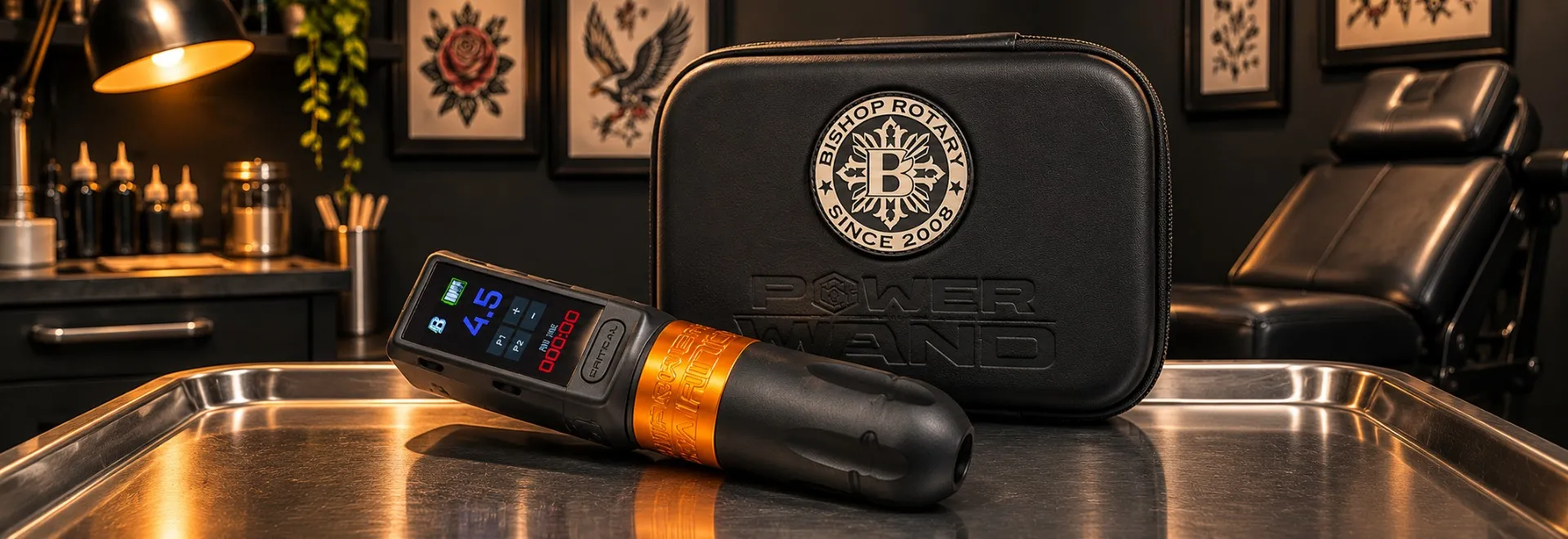
Tattoo machine not working, cutting out, running weakly or overheating? Professional tattoo machine troubleshooting begins with the power source, RCA cord or wireless battery, cartridge fit, grip and manufacturer-approved settings before any repair is considered. Use these checks for rotary tattoo pens, wireless machines and coil setups, with model-specific guidance from FK Irons, Cheyenne, Peak, Bishop and Critical.
Explore Bishop Advanced Batteries Explore FK Irons RCA Module
QUICK ANSWER
What should you check first when a tattoo machine stops working?
Stop working, check the model's power source, then isolate the cable or battery, cartridge, grip and settings. FK Irons recommends a known-good cord or compatible charged battery for power failures, and a correctly locked cartridge for weak needle movement. Cheyenne's HAWK Pen manual adds cable inspection and a model-specific cartridge-lock check. If the machine overheats, sparks, sounds abnormal or still fails with known-good compatible parts, remove it from service and contact the manufacturer.
NO POWER
Check battery charge, compatible pack, cord, RCA fit and known-good power supply.
WEAK OR UNEVEN HIT
Check cartridge lock, grip tension, compatible settings and drive-bar movement as FK Irons directs.
STOP & SERVICE
Persistent heat, sparking, damage or abnormal noise needs authorized inspection.
DIAGNOSE THE SYMPTOM
Tattoo machine troubleshooting chart: what should you check first?
FK Irons organizes faults by power, motion, ink flow, noise, heat and electrical behavior. Check the external component listed here before assuming internal damage. Persistent failures or unsafe behavior belong with the manufacturer's repair team.
| Symptom | First manufacturer-backed check | Service trigger |
|---|---|---|
| Will not turn on | FK Irons: battery, cord/RCA and known-good power supply. | No power after compatible checks. |
| Cuts in and out | FK Irons: cable flex points, battery contacts and charging setup. | Repeated cutouts with known-good accessories. |
| Needle barely moves | FK Irons: cartridge lock, grip tension and drive bar. | Uneven movement across cartridges. |
| Skipping or weak lines | FK Irons: give, stroke and speed; Peak: power delivery. | Normal-load weakness persists. |
| Ink not flowing | FK Irons: needle hang and dried or blocked cartridge. | No improvement with a fresh compatible cartridge. |
| Ink spits | Peak: voltage and needle hang relationship. | Unresolved splatter with correct setup. |
| Noise or vibration | FK Irons: secure grip and compare new cartridge. | Abnormal sound continues. |
| Overheating | FK Irons: stop, cool, review settings. | Heat returns under normal use. |
| Sparking | FK Irons: coil contact arcing differs from rotary sparks. | Rotary/wireless sparks: disconnect. |
Use only the exact model's instructions. A Cheyenne cartridge-lock angle, Peak slider-care rule or Bishop battery family must never be assumed universal.
ORDERED PROFESSIONAL CHECKS
How do you troubleshoot a tattoo machine step by step?
Use FK Irons' external checks and Cheyenne's inspection approach to rule out simple setup problems before considering repairs. Work off-client, switch power off before changing parts and stop if the machine appears unsafe.
Identify the model
Check approved batteries, power, cartridges and the specific machine manual.
Inspect the switched-off machine
Cheyenne says to look for cable damage, loose caps, exposed wires and poor cartridge alignment.
Check power
FK Irons: compare a known-good compatible cord or supply; for wireless, verify charge and battery contacts.
Seat the cartridge correctly
FK Irons says it must lock fully. Follow the exact model's installation method.
Check grip tension
A too-tight or loose grip may restrict or shift a cartridge, says FK Irons.
Compare a new cartridge
Replace one with dried ink or restricted movement, using a fresh compatible cartridge.
Review operating settings
Match the maker's voltage range, give and needle hang to stroke and needle grouping.
Stop or escalate
Persistent cutting out, abnormal drive motion, heat, noise or sparks requires authorized help.
BATTERY AND CHARGING DIAGNOSIS
Why does a wireless tattoo machine shut off or keep cutting out?
FK Irons recommends checking battery charge, machine contacts, the charging cable, power adapter and charging port. If a fully charged pack cuts out early, compare with another battery that the machine manufacturer lists as compatible. Clean accessible battery contacts only according to that product's instructions; corrosion or obvious damage belongs in a service inquiry.
| Wireless observation | Check or manufacturer guidance | Avoid |
|---|---|---|
| Battery does not charge fully | FK Irons: verify cable, adapter and charging port before replacing the battery. | Assuming the motor is defective. |
| Battery works briefly, then stops | FK Irons: compare with another fully charged compatible battery. | Trying an incompatible pack to keep the session going. |
| Power drops during movement | FK Irons: inspect contact condition and secure connection. | Forcing loose or damaged electrical contacts. |
| New Bishop battery does not fit | Bishop: Advanced, Original and XLUMEN systems have specific compatibility rules. | Interchanging Advanced and XLUMEN packs. |
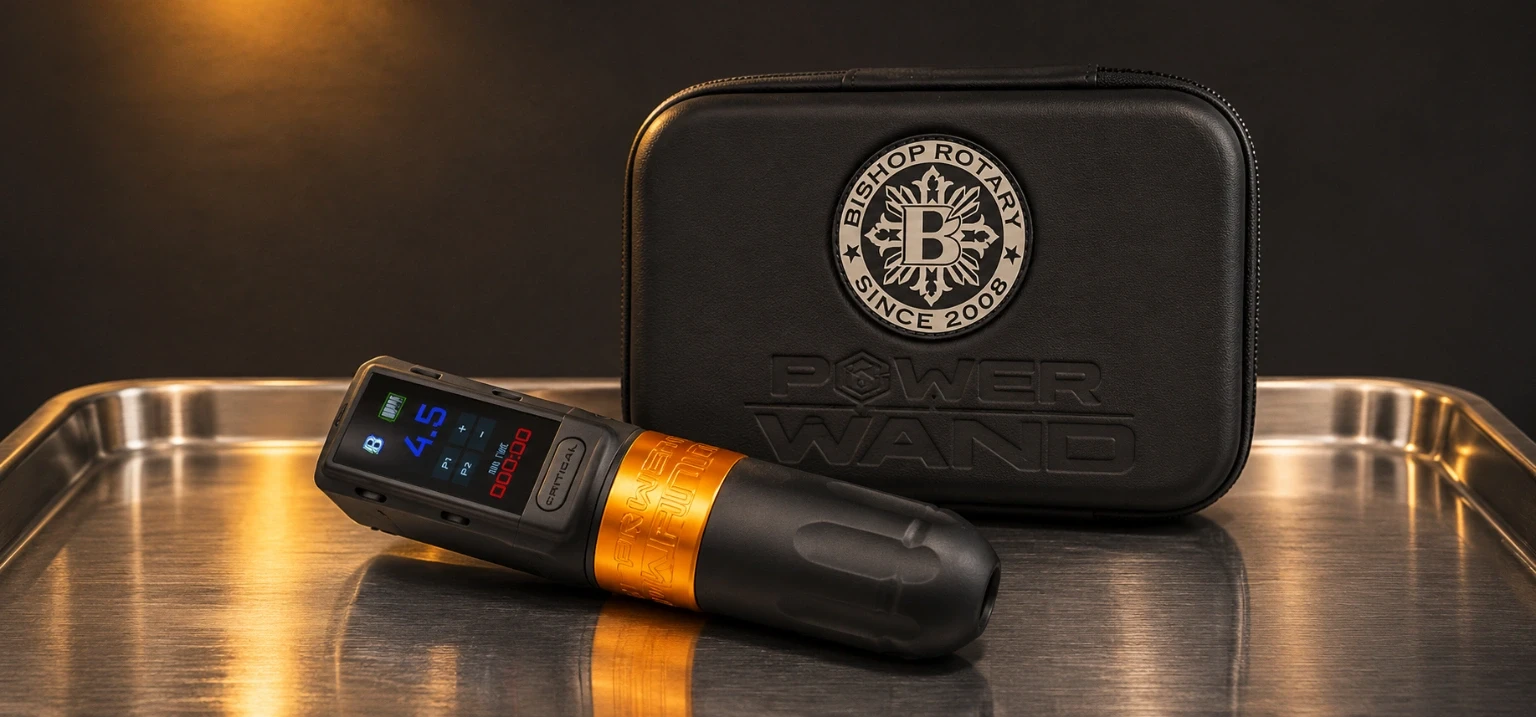
Bishop says its original battery packs will not work on the Power Wand Advanced or XLUMEN, and that Advanced and XLUMEN batteries are not interchangeable. Critical instructs users to fully charge its Connect V2 batteries before first use. The correct match is based on model generation, not appearance alone.
CARTRIDGE FIT AND DRIVE MOTION
Why is my tattoo cartridge not locking in, or why isn't the needle moving?
FK Irons says a cartridge that is not fully seated may fail to transfer motion from the drive bar to its plunger. It also warns that grips that are too tight may compress the cartridge, while loose grips can let it shift. Check the actual cartridge and grip compatibility before concluding that the machine has failed.
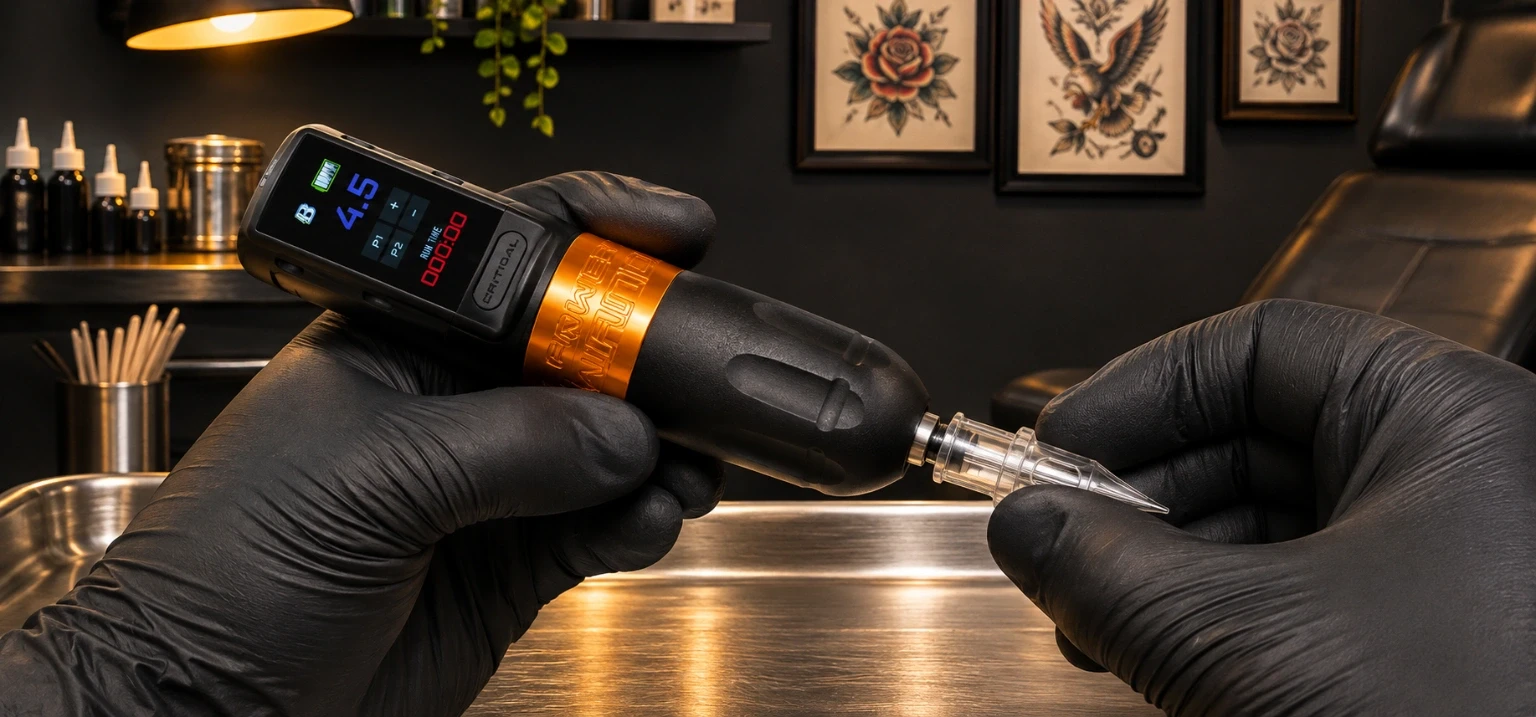
Cheyenne's HAWK Pen uses a specific insertion method: with power off, insert its approved cartridge, rotate it approximately 45 degrees clockwise and confirm the lock. That angle is a HAWK Pen instruction, not a universal cartridge rule. Cheyenne also says to use its genuine cartridges for that machine.
For the FK Irons diagnostic test, remove the cartridge and observe the drive bar moving freely and evenly as described by the manufacturer, with the machine secured and no client contact. If several correctly fitted new cartridges still fail to move, contact service. Do not force an unseated cartridge or attempt to repair a nonretracting needle mechanism.
See how to choose tattoo cartridges and how to set up a tattoo pen.
SPEED, STROKE AND GIVE
Why is my tattoo machine skipping, snagging or producing weak lines?
FK Irons says inconsistent saturation and a weak hit may come from cartridge load, grip tension, too much give or settings that do not match hand speed and stroke. Peak likewise explains that a strained motor, weak power delivery or unsuitable voltage can alter how a machine performs. Do not use a weak line as permission to increase voltage without checking the rest of the setup.
| Observation | Maker-backed comparison | Next check |
|---|---|---|
| Machine runs but feels too soft | FK Irons: if adjustable give softens the impact too much, a supported reduction may create a firmer hit. | Start with cartridge fit and the specific maker's adjustment procedure. |
| Machine snags or seems slow | Peak discusses voltage, hand speed and resistance together. | Compare on practice skin using the maker's recommended range. |
| Same voltage feels different | Peak says supplies can deliver voltage differently under load. | Compare a known-good compatible supply before retuning the entire setup. |
| Several cartridges produce a weak stroke | FK Irons says persistent struggle across cartridges may indicate service is needed. | Stop and request manufacturer diagnosis. |
Peak provides examples tied to stroke lengths in its own article; FK Irons cautions that one grouping does not dictate one universal voltage. See stroke, depth and voltage for the underlying settings vocabulary.
INK NOT FEEDING OR SPITTING
Why isn't my tattoo machine pulling ink, or why is ink spitting out?
FK Irons recommends checking needle hang, cartridge movement and compatibility when pigment does not build consistently. A cartridge with dried pigment or restricted needle motion should be replaced. If the issue follows one cartridge rather than the machine, compare a new trusted cartridge without changing every variable at once.
Peak discusses a different symptom: ink spit. In its voltage guide, Peak suggests that excess speed relative to needle hang can throw pigment out of the cartridge; it advises lowering voltage or correcting needle hang within an appropriate setup. That is a manufacturer explanation, not a reason to reduce voltage blindly on every pen.
Separate ink delivery from motor failure
A machine may cycle normally while a cartridge feeds poorly. FK Irons recommends ruling out the cartridge and needle hang before blaming the motor. If a fresh compatible cartridge does not resolve the problem, escalate.
For cartridge types and needle assemblies, see the tattoo needle guide.
HEAT AND ELECTRICAL WARNINGS
Why is my tattoo machine overheating or showing sparks?
FK Irons says a machine that becomes unusually hot or keeps losing power as it heats must be stopped and allowed to cool. Review voltage, cartridge and supported setup settings against the maker's instructions. If heat returns in normal operation, take it out of service rather than increasing voltage or ignoring the problem.
Peak links neglected slider care with heat or noise on its Azur; that maintenance applies to that mechanism alone. For sparking, FK Irons distinguishes some contact arcing on coil machines from visible sparks on rotary or wireless equipment. Rotary or wireless sparks mean disconnecting power and contacting service.
Stop the session when the tool becomes unsafe
A repeated heat fault, visible damage or electrical sparking on a rotary or wireless device is not a problem to test against a client's skin. Use approved backup equipment and contact the manufacturer.
CLEANING, MEMBRANES AND LUBRICATION
How should tattoo machines be cleaned and maintained without damaging them?
FK Irons warns against spraying liquid into the machine, unnecessary disassembly, excessive lubricant and operating at maximum voltage merely to push performance. It says its grips are the autoclavable parts of its machines and recommends membrane cartridges to reduce fluid ingress.
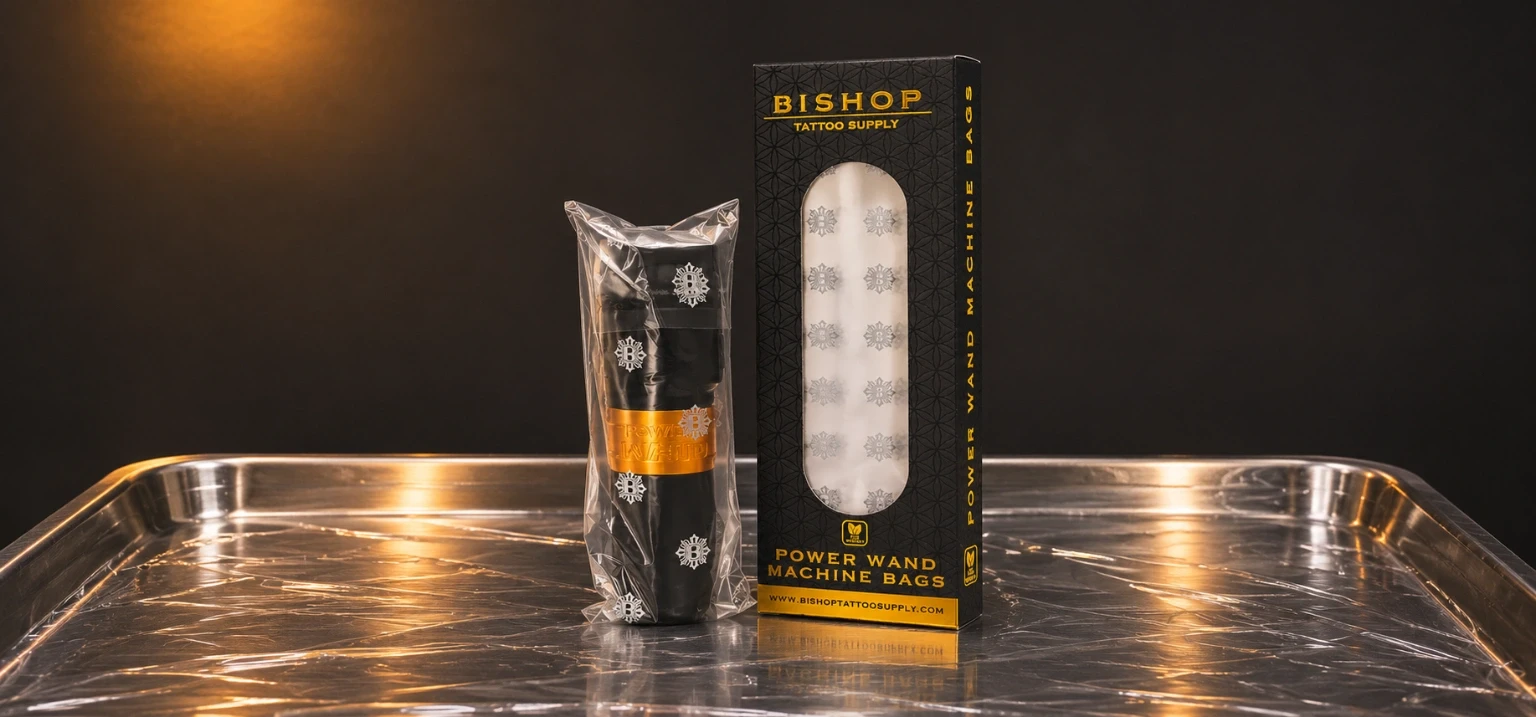
Wipe, do not spray the motor
FK Irons says never spray the machine; wipe it with a lint-free rag instead.
Keep membrane protection in place
FK Irons recommends membrane cartridges to reduce the risk of ink reaching internal parts.
Lubricate only where specified
Peak Azur slider maintenance is different from Peak Matrix or FK Irons maintenance. Never invent a schedule for other models.
Protect against drops and fluid
FK Irons says drops and liquid inside the machine can void its warranty; Cheyenne says to inspect and noise-test a HAWK Pen after a drop.
For full cleaning procedures and product-specific methods, read SVT Shop's tattoo machine cleaning and disinfection guide.
OFFICIAL SERVICE CHANNELS
When should a tattoo machine be sent for repair?
Remove a machine from the session when compatible external checks do not resolve the fault, or immediately for persistent overheating, damaged components, unusual mechanical noise or rotary/wireless sparks. Use each manufacturer's documented repair channel rather than opening the motor.
| Brand | Official pathway | Useful details |
|---|---|---|
| FK Irons | Service Center requires an RA# before shipping. | Machine model, symptoms, purchase record. |
| Cheyenne | HAWK Pen manual directs persistent faults to a specialist retailer. | Visible damage, cable checks, changed noise. |
| Peak | Contact Peak support through its official website. | Model, purchase date, photos if needed. |
| Bishop | Official Repairs page on the Bishop website. | Battery generation and machine details. |
| Critical | Warranty/support page and repair request. | Power or battery model and proof of purchase. |
Warranty and service terms depend on model, purchase date and cause of failure. FK Irons warns unauthorized opening can void coverage. Do not disassemble a machine merely to identify an internal fault.
PREVENT A SMALL FAULT FROM BECOMING A REPAIR
What tattoo machine troubleshooting mistakes can damage the motor or void a warranty?
FK Irons warns against opening sealed housings, flooding the machine with cleaner, over-lubricating and operating at unnecessarily high voltage. Cheyenne says a dropped HAWK Pen should be inspected and noise-tested. The following are avoidable errors when diagnosing a professional tool.
Opening the motor housing
FK Irons warns that unauthorized opening can void the warranty. Use the official service route.
Spraying cleaner into the machine
FK Irons says never spray the machine; wipe it with a lint-free rag instead.
Adding lubricant everywhere
Peak specifies maintenance for particular models. Do not transfer one machine's lubrication method to another.
Increasing voltage to mask a fault
FK Irons says review cartridge, stroke and settings before turning power up; overheating calls for stopping.
Forcing an incompatible battery or cartridge
Bishop battery families differ; FK Irons says check cartridge and grip compatibility.
Working through abnormal heat or sparking
FK Irons recommends service for recurring overheating and immediate shutdown for rotary or wireless sparks.
SVT SHOP PROFESSIONAL EQUIPMENT
Which Bishop batteries, tattoo pens and FK Irons parts should studios compare?
SVT Shop lists Bishop battery systems and machine configurations plus FK Irons wireless power and an RCA part. A compatible power accessory may help isolate a fault, but no product card below promises to repair a damaged motor. Confirm the exact model, connector and manufacturer's instructions before ordering.
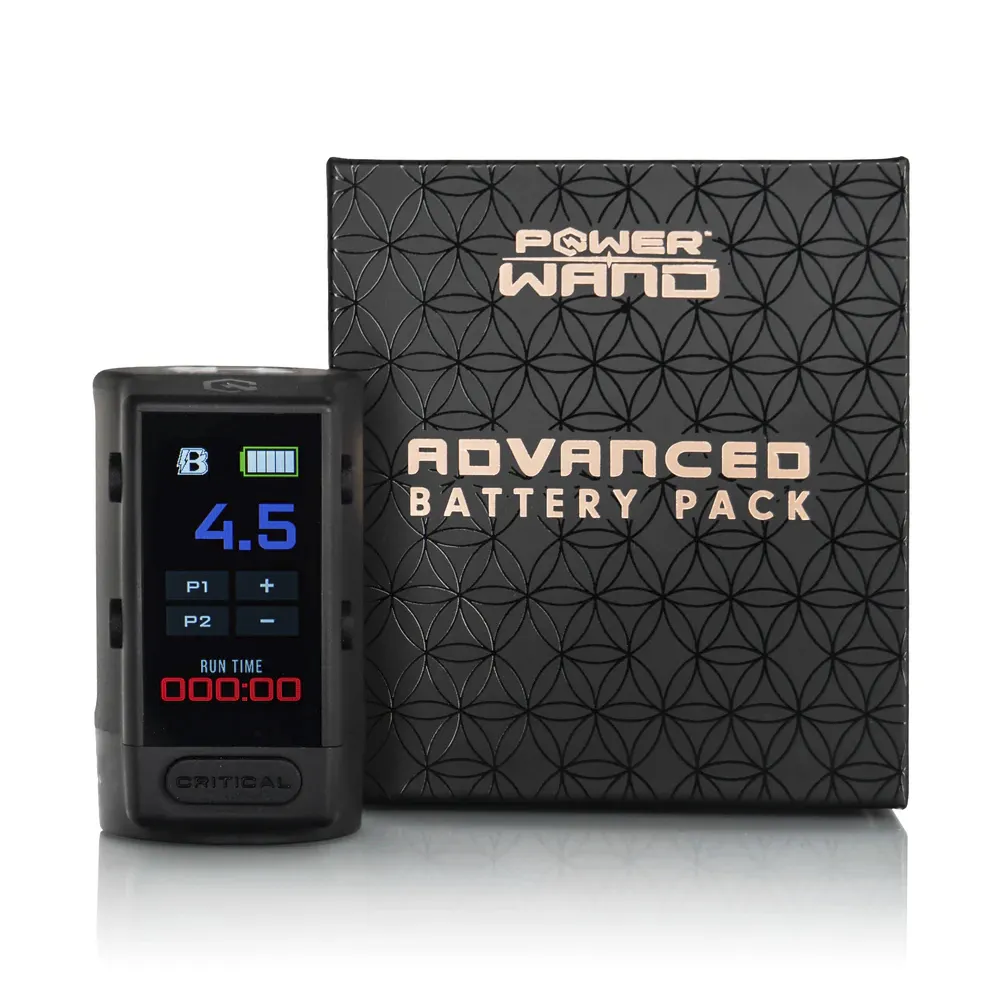 For compatible Power Wand power checks
Bishop x Critical Advanced Battery Packs
Replacement battery packs for supported Power Wand generations. Check exact compatibility; Advanced batteries and XLUMEN batteries are different.
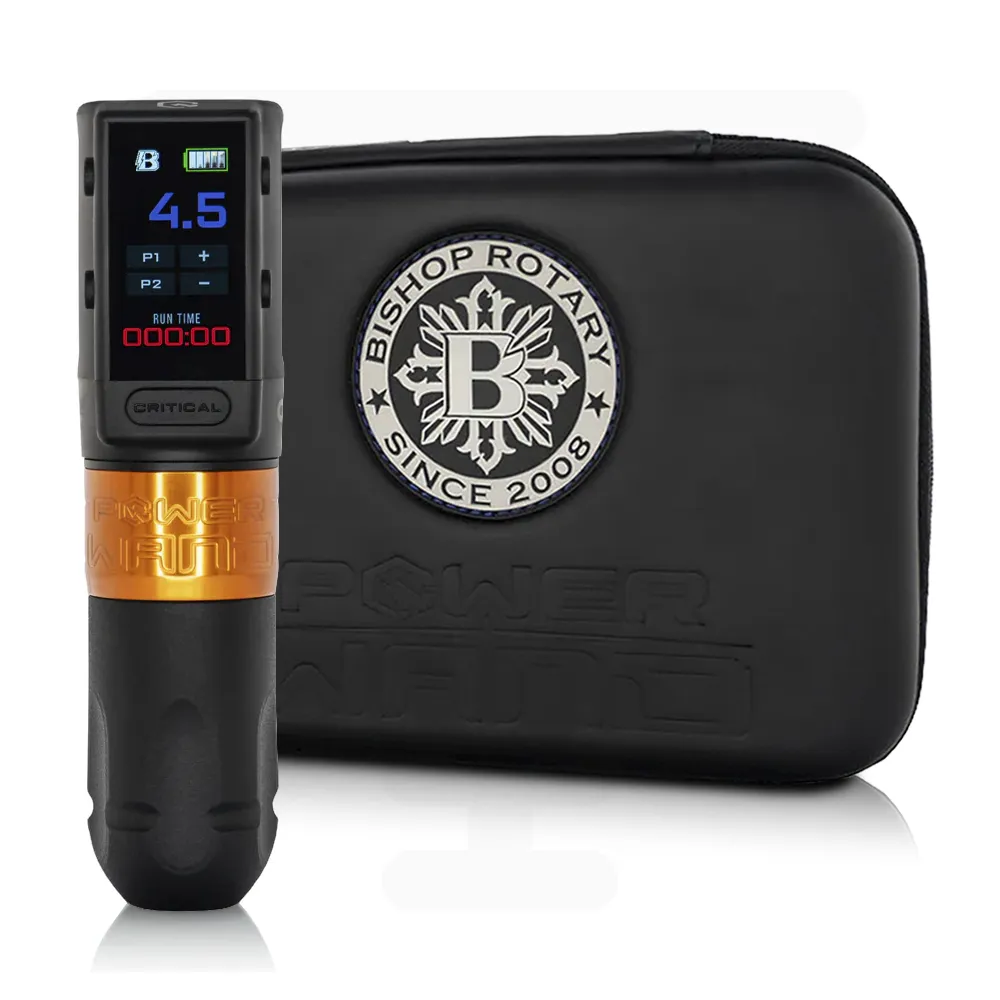 Complete wireless Packer setup
Bishop Power Wand with Advanced Battery Full Set — Packer
A complete Bishop wireless configuration for comparing the approved battery and machine system, not an internal repair kit.
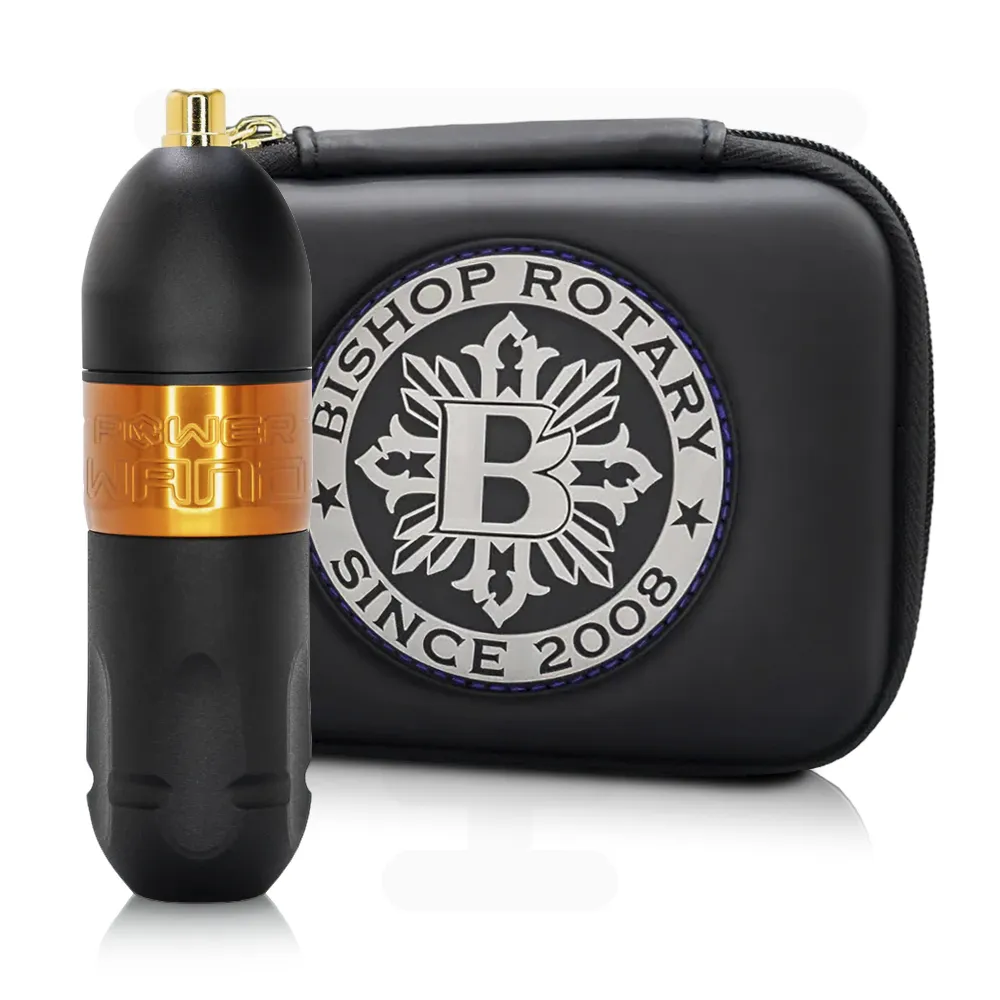 Advanced wired machine format
Bishop Power Wand Advanced RCA Machine — Packer
RCA machine configuration for studios preferring a wired power setup. Confirm compatible cables, power and accessories.
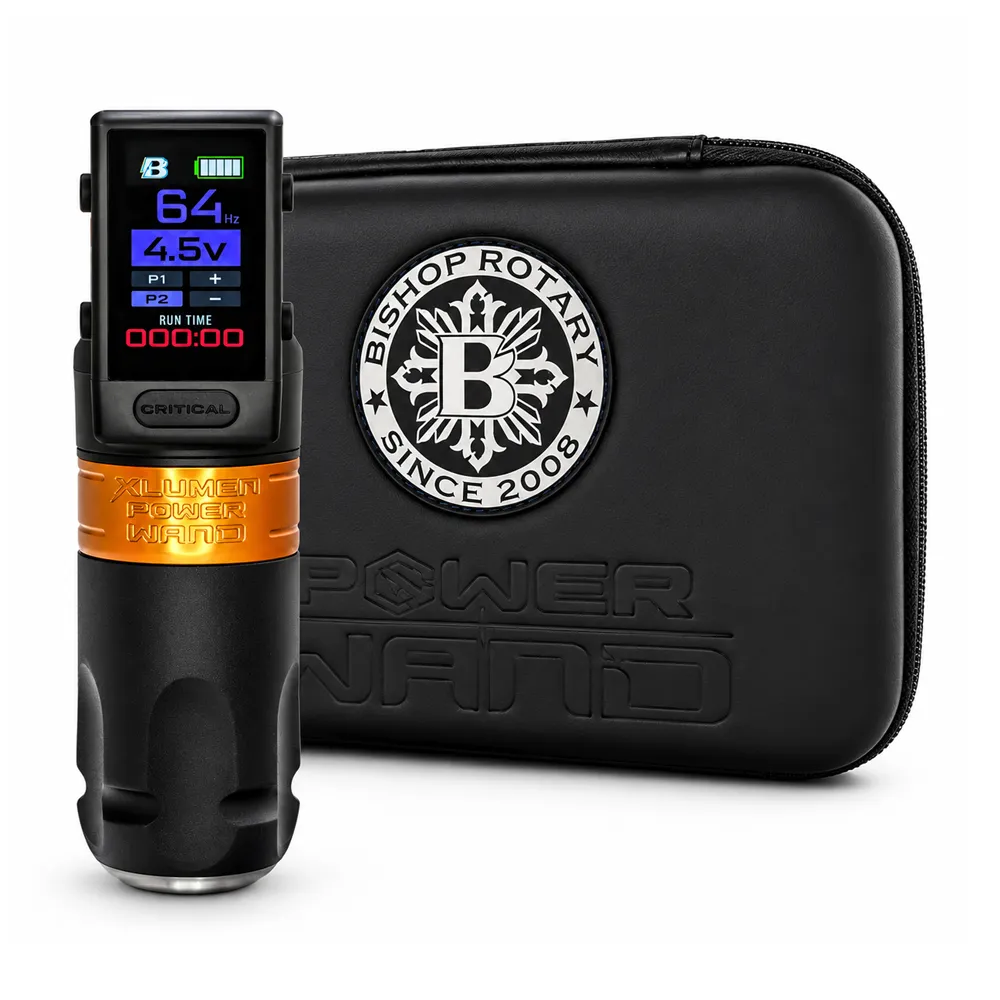 Distinct XLUMEN power family
Bishop Power Wand XLUMEN — Packer
XLUMEN configuration with its own battery system; Bishop says XLUMEN and Advanced packs are not interchangeable.
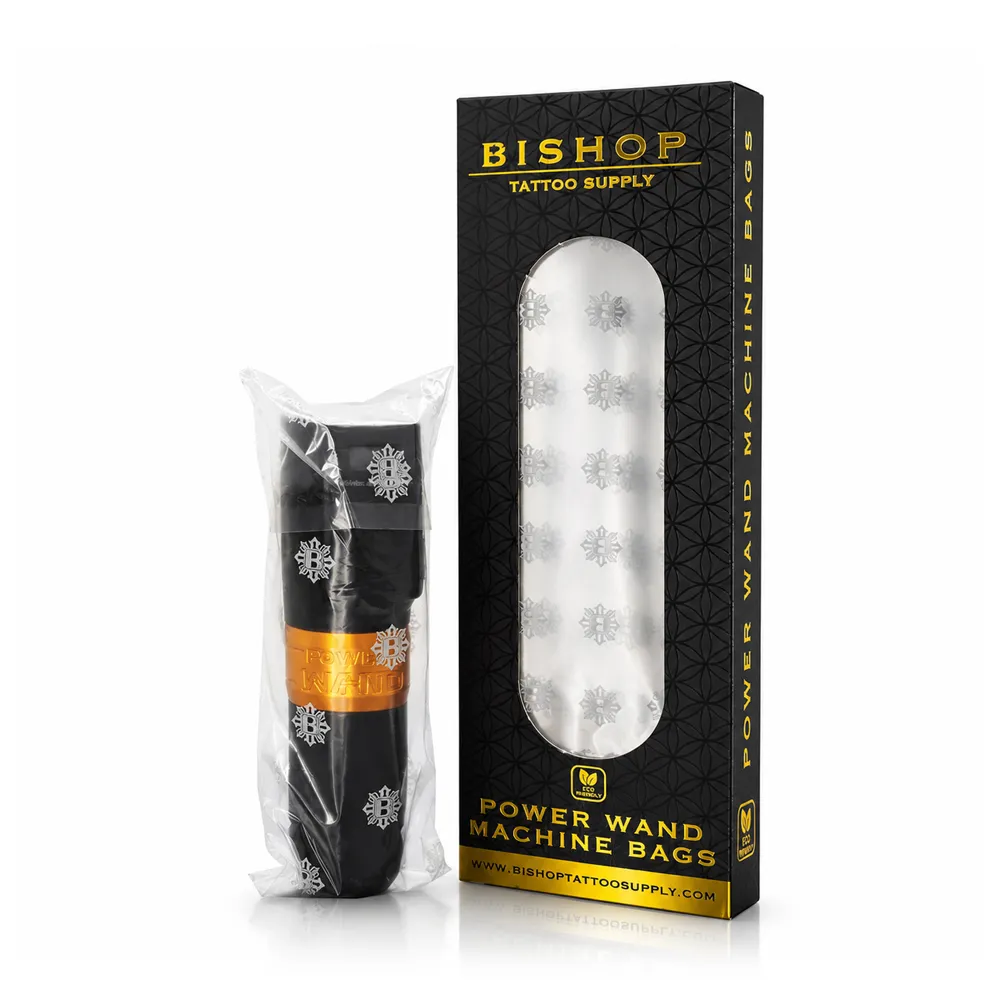 Protect the covered machine
Bishop Battery Pen Machine Bags
Disposable machine-cover option for the studio's barrier workflow; not a repair for a contaminated or faulty drive.
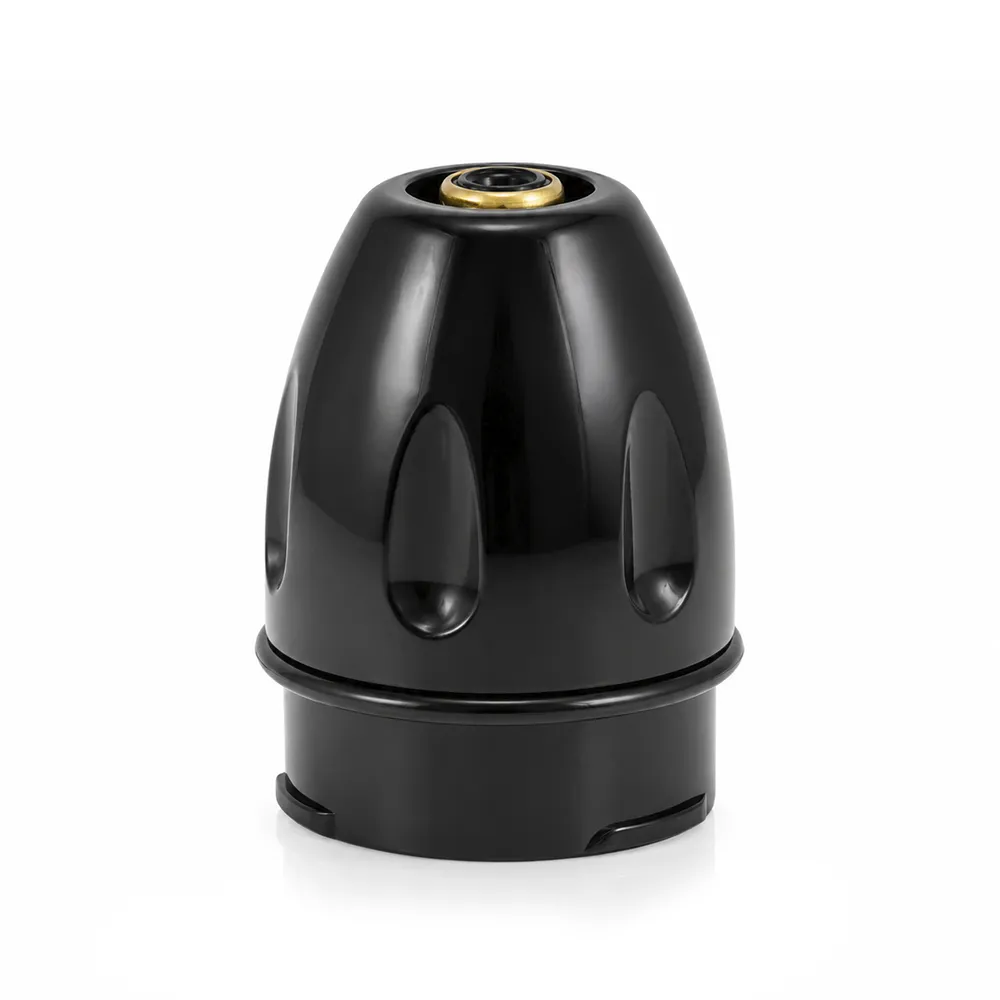 Model-specific machine part
FK Irons RCA Module
RCA-related part to consider only after confirming its exact FK Irons model compatibility and approved service procedure.
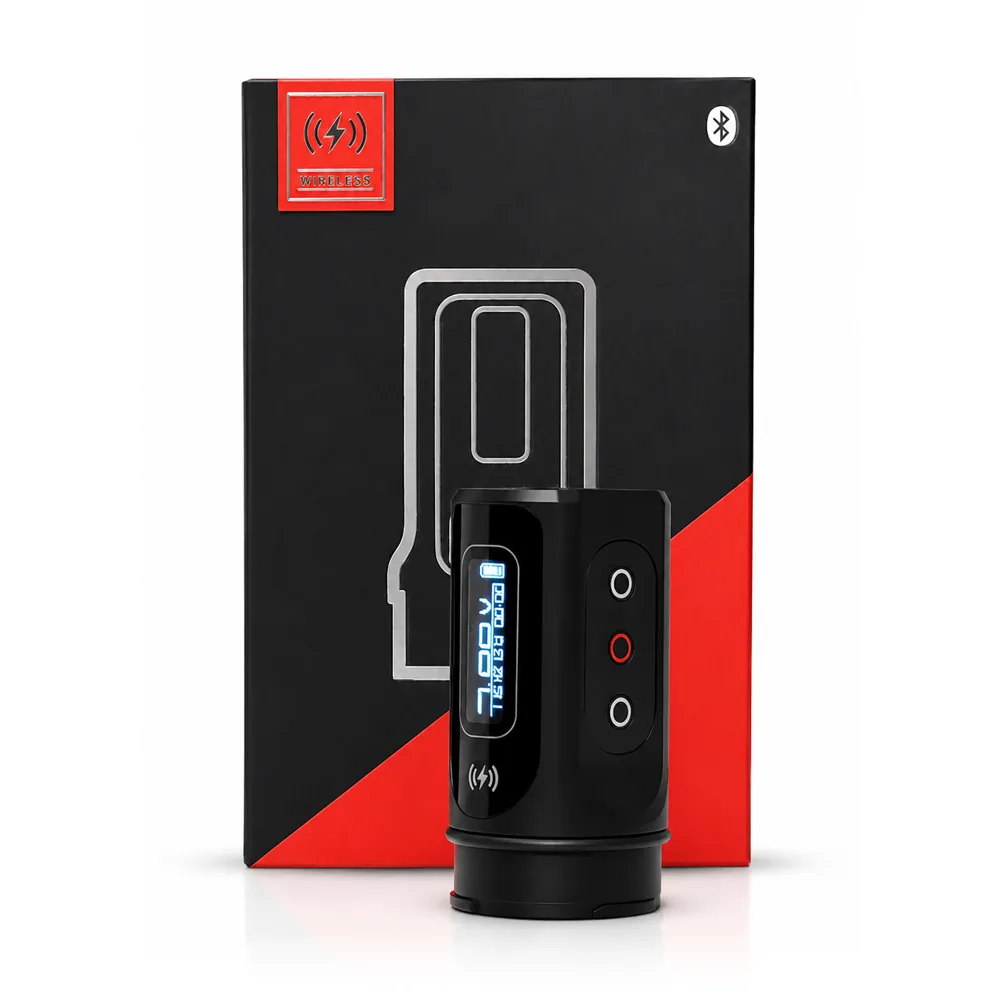 Compatible FK Irons wireless power
FK Irons PowerBolt II
Wireless power option for supported FK Irons devices; verify the exact machine and battery generation before comparing or replacing.
Explore Advanced Battery Packs Explore PowerBolt II
For comparing machine designs and power formats, see pen machines vs coil machines and wireless pens compared. SVT Shop serves tattoo professionals in El Paso, TX, with Next Day Delivery available in El Paso.
BEFORE RESTARTING A SESSION
What should be on a tattoo machine troubleshooting checklist?
Use the same ordered checks for every interruption, while following the specific machine manual. A clear record helps distinguish an external accessory problem from an internal machine fault and gives the repair team useful details.
- Model: Exact machine, version, cartridge and power requirements identified?
- Power: Correct charged battery or known-good compatible supply and cable?
- Connections: RCA, contacts, plugs and charging port inspected?
- Cartridge: Fully locked, undamaged, single use and compatible?
- Grip: Secure tension and no depth drift?
- Settings: Voltage, give, stroke and needle hang reviewed against the maker's instructions?
- Condition: Any abnormal noise, heat, sparking, visible damage or suspected fluid ingress?
- Action: Stop and seek authorized service if the fault remains.
FAQ
12 tattoo machine troubleshooting questions artists ask
These answers summarize manufacturer-specific guidance from FK Irons, Cheyenne, Peak, Bishop and Critical. Work through external, compatible checks and contact service for unresolved or unsafe symptoms.
Why won't my tattoo machine turn on?
FK Irons recommends checking cord and RCA connections or a compatible charged battery, then comparing known-good power accessories. Persistent failure belongs with manufacturer support.
Why does my tattoo machine keep cutting out?
Check worn cables and loose jacks on wired setups; for wireless, FK Irons suggests battery contacts, charging components and another compatible battery.
Why is my tattoo pen running but not moving the needle?
FK Irons advises checking cartridge seating, grip tension and drive-bar movement. If the problem persists across cartridges, request service.
Why won't my cartridge seat or lock into the grip?
Follow the exact machine manual. Cheyenne HAWK Pen instructions use a clockwise turn of about 45 degrees; do not force that method on other models.
Why is my tattoo machine skipping or making weak lines?
FK Irons says review cartridge fit, give, hand speed and stroke. Peak says power delivery and appropriate voltage also affect behavior.
Why is my tattoo machine overheating?
FK Irons says stop, cool and check voltage and settings; seek service if excessive heat returns. Peak gives separate Azur slider-care instructions.
Why is my tattoo machine vibrating or making a loud noise?
FK Irons advises securing the grip and trying a new cartridge. Cheyenne says a HAWK Pen with changed operating noise needs specialist inspection.
Why is ink spitting or not flowing from my cartridge?
Peak links ink spit to voltage and needle hang; FK Irons says to replace a clogged or restricted cartridge and check compatibility.
Can I repair a tattoo machine myself?
FK Irons warns against opening the casing. Use manufacturer-approved maintenance only and arrange authorized service for internal faults.
How often should I service or lubricate my tattoo machine?
Follow the exact manufacturer's maintenance schedule. Peak identifies regular slider care for Azur; FK Irons warns against excessive lubrication.
How do I tell if my tattoo machine RCA cord is bad?
FK Irons suggests checking wear near connectors and comparing a known-good compatible cord and power supply. A damaged machine jack needs service.
Could the battery be why my wireless tattoo machine stopped?
Yes. FK Irons recommends checking charge and contacts. Bishop requires the correct battery family; Advanced and XLUMEN packs are not interchangeable.
RESEARCH
Sources Consulted
The steps above come from manufacturers' public guides, model instructions and official repair pathways. HAWK Pen specifications apply only to that model, and Peak's model-specific maintenance does not transfer to other machines.
- FK Irons: Tattoo Machine Troubleshooting — Catch Problems Early
- FK Irons: Top Fails That Can Break a Tattoo Machine
- FK Irons: Official Machine Service Center and RA Process
- Cheyenne: HAWK Pen Operating Instructions (model-specific PDF)
- Peak Needles: Machine Lubrication and Maintenance by Model
- Peak Needles: Tattoo Machine Voltage and Ink-Flow Guide
- Bishop: Advanced Battery Pack Compatibility and Charging
- Bishop: Machine Repairs
- Bishop: Model-Specific Maintenance Resources
- Critical Tattoo: Power Supply, Battery and Machine Warranty
- Critical Tattoo: CX-1 Troubleshooting and Support